





Panasonic Kairos: productividad con la máxima versatilidad
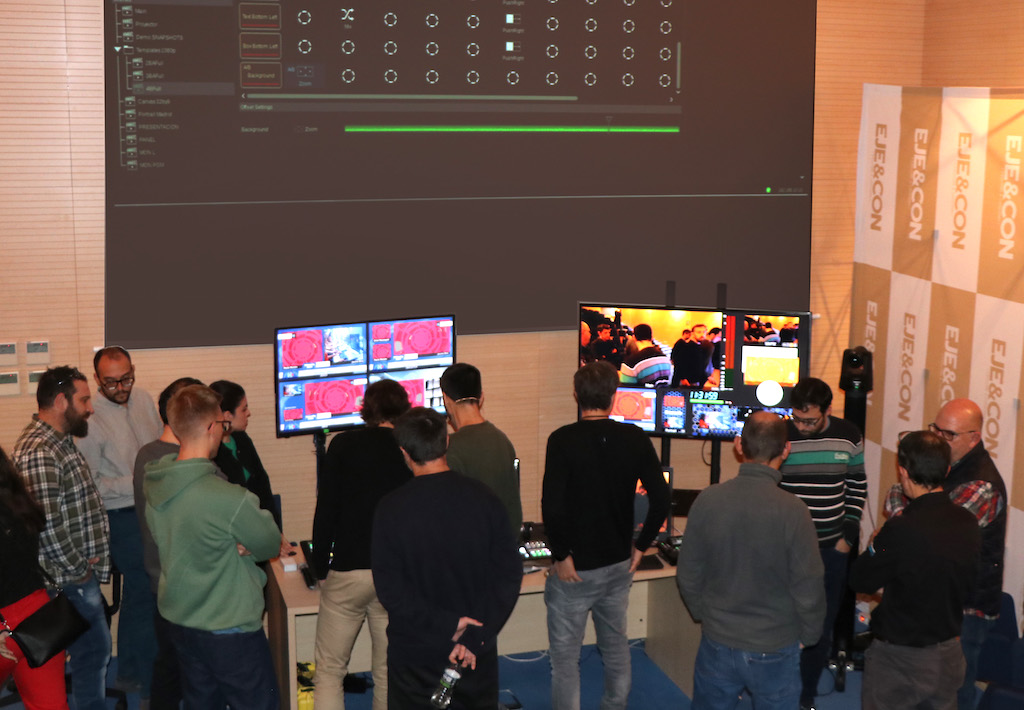
Que Kairos va mucho más allá que un mezclador IP ha quedado patente en las jornadas de demostración que Panasonic next to Unitecnic ha organizado esta semana en la sede madrileña de Mediapro en Getafe de mano del realizador freelance Jordi Sacasa. Pensado para facilitar la transición a un entorno IP, ofrece en una única plataforma basada en software posibilidades ilimitadas gracias a una estructura por capas generar con un interfaz sencillo (más propio de Photohop que de un mezclador tradicional) composiciones con la máxima versatilidad.
Sacasa, que ya ha trabajado con Kairos en un programa de e-sports y colabora con algunas de las productoras deportivas más importantes como Mediapro, DAZN o Dorna, destacó que la propuesta de Panasonic es totalmente independiente de resoluciones y formatos, pudiendo trabajar con un sinfín de keys y capas con apenas 1 frame de latencia en todo el proceso, lo que lo hace ideal para producción de directos.
Kairos se presenta como una solución completa para composición y realización tanto para directos con control sobre cámaras, robóticas, sistemas de tracking, audio e, incluso iluminación; producciones con realidad virtual o extendida con sistemas de terceros como Brainstorm o Vizrt; o presentaciones en grandes eventos en directo con canvas de gran formato (tanto televisivos como corporativos). Además es totalmente transparente a la hora de trabajar con servidores o periféricos de terceros como AJA, Riedel, Nvidia o Imagine.
Son ya numerosos broadcasters en todo el mundo los que está utilizando Kairos como la pública catalana TV3, BeIN Sports o Mediaset Italia. En rental, empresas como la española Visual Media Broadcast (VMB) o las europeas Lang, Creative Technology o Video están empleando Kairos en sus exigentes producciones en directo tanto para broadcast como streaming o corporativas.
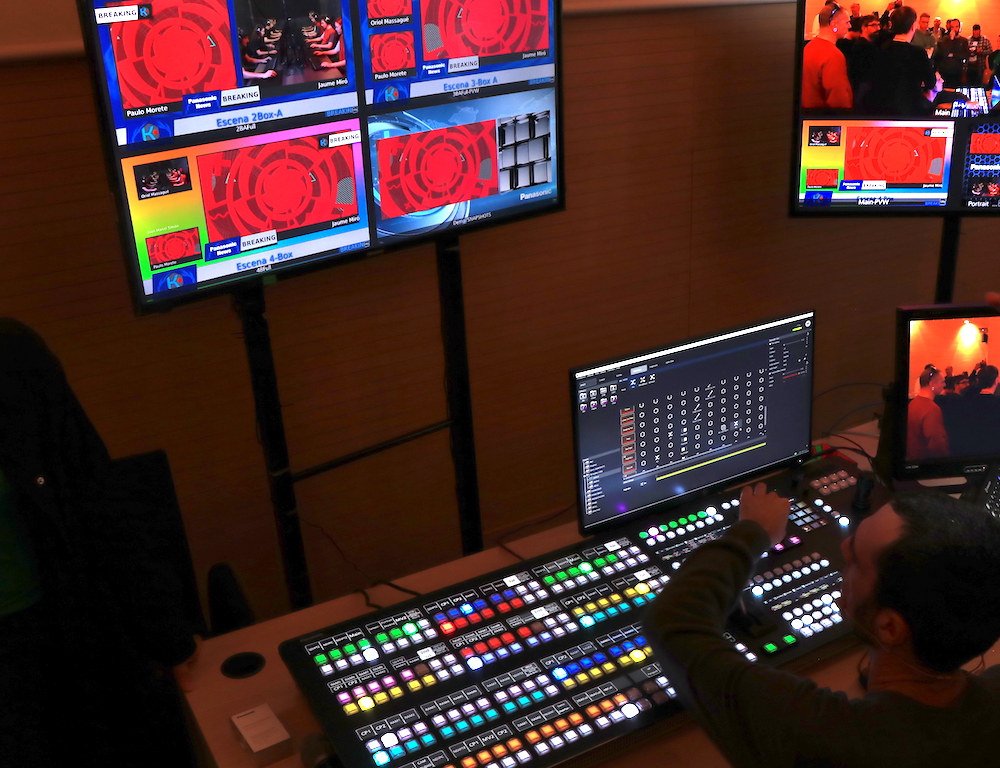
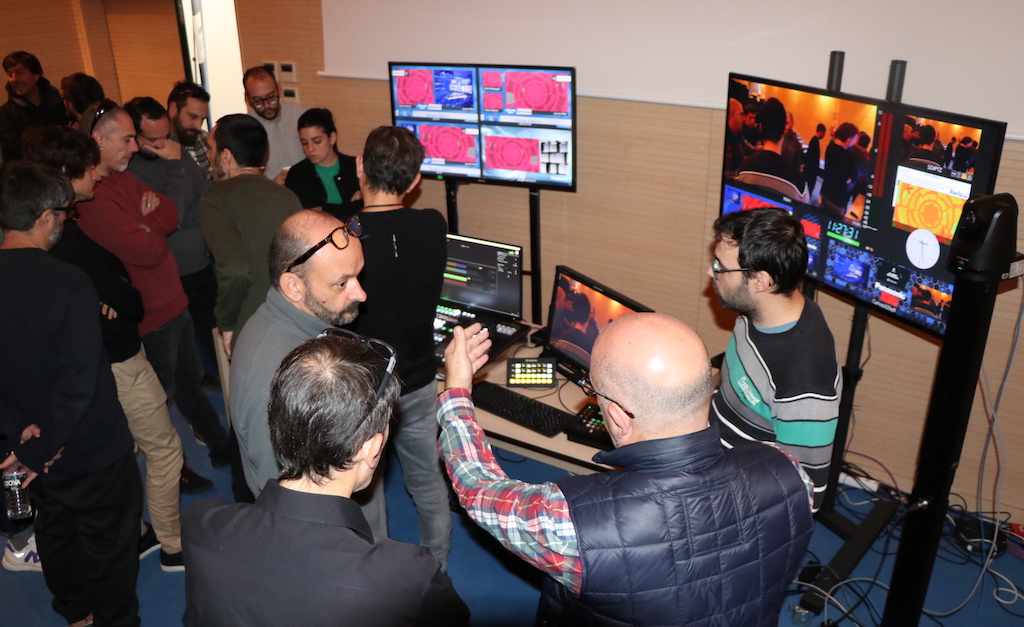 Sin duda, lo que más llama la atención cuando alguien se sienta ante Kairos es que más que estar frente a un mezclador se trata de una potente herramienta de software con apariencia clásica gracias a su panel al puro estilo de mezclador pero que, con la ayuda de una arquitectura abierta basada en software y un interfaz sencillo, permite crear cualquier producción con un procesado libre de compresión. Al ser una solución concebida nativamente como IP, admite señales IP (ST2110) y mediante gateways con SDI, HDMI, DP… con salida IP directa o mediante gateways en banda base SDI, HDMI, DP… o bien streaming con protocolos SRT, NDI, RTMP…
 Partiendo de un esquema escalable, los usuarios de Kairos pueden optar por dos modelos de servidor, uno de entrada de gama (AT-KC100 en 1 RU) y otro más potente capaz de procesar hasta 64 canales y 40 salidas (AT-KC1000 en 2RU), optando por dos paneles físicos: uno compacto (12XPT) y otro extendido (24XPT). El corazón creativo del sistema lo constituye Kairos Creator, un software GUI basado en cliente bajo sistema operativo Windows o Mac que permite contar con un panel virtual espejo de la superficie física elegida. Al mismo tiempo, Agile I/O asigna las diferentes entradas y salidas dependiendo del ancho de banda de cada fuente. El número de salidas no cambia, ya que se basa en el ancho de banda disponible (60 GbE en el caso del AT-KC1000) y todas las entradas y salidas se pueden ver en los multipantallas que ofrece el sistema (hasta 36 ventanas por multipantalla).
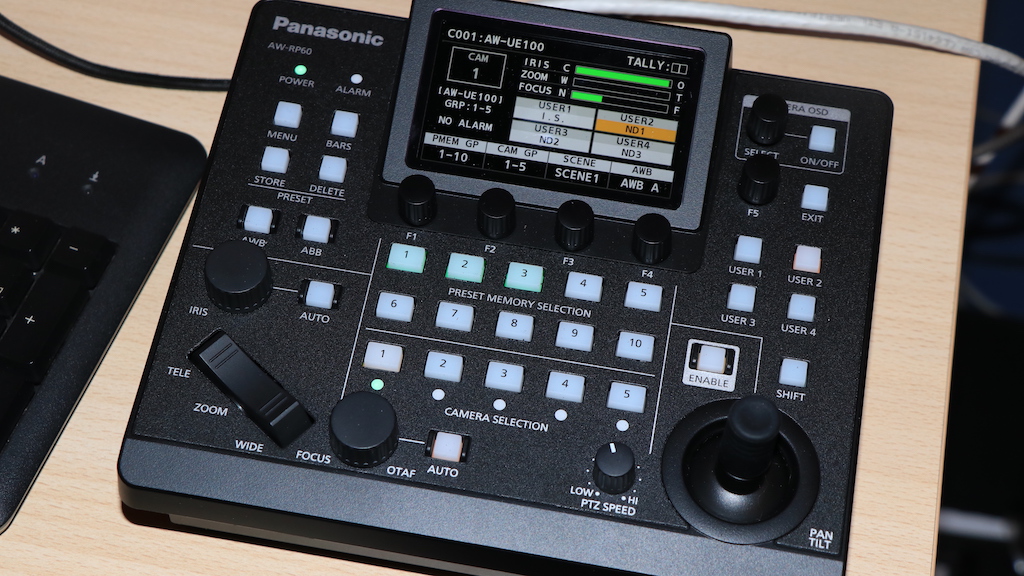
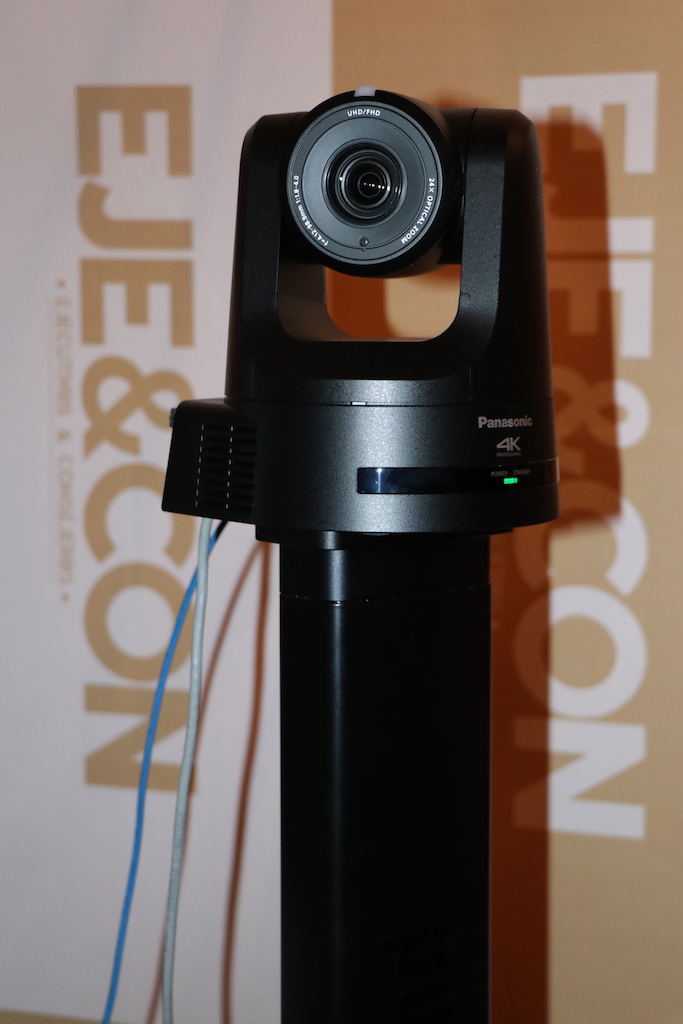 En la presentación llevada a cabo en Mediapro, Panasonic contó con el panel extendido Kairos Control, un pedestal Panapod con cámara PTZ AW-UE100 (4K), con posibilidad de controlar ambos sistemas desde el propio mezclador o mediante la superficie AW-RP60. Completaban la infraestructura de demo un PC desde el que corría Kairos Creator, un Switch PoE++ de 1Gb, y dos multipantallas con salida directa desde Kairos Core.
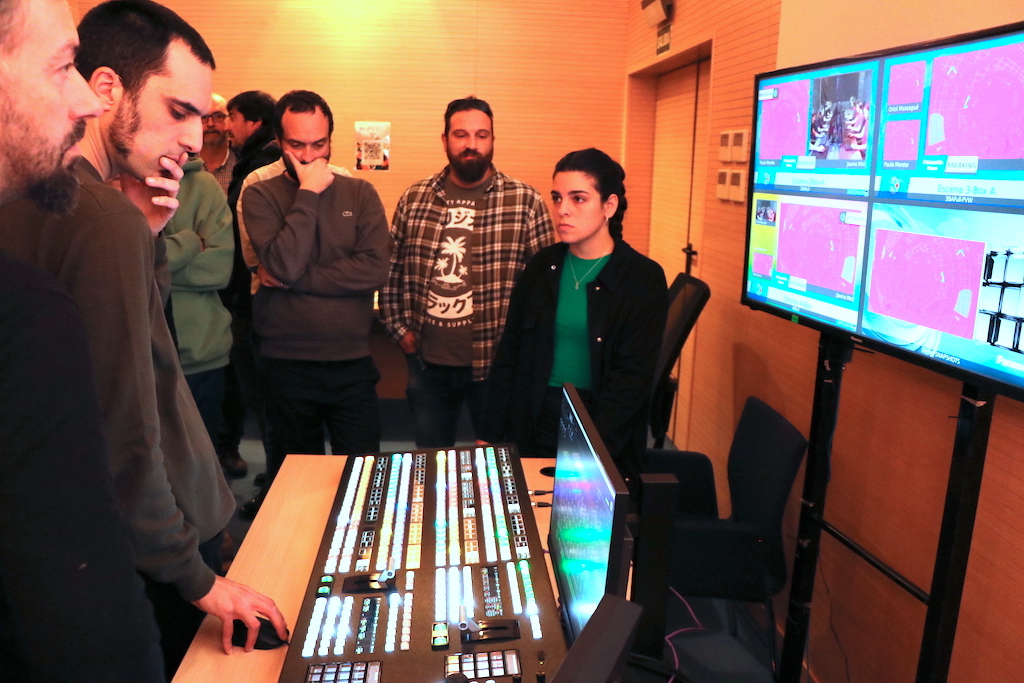
Un concepto diferente
El concepto de Kairos es muy diferente a un mezclador basado en FPGA en el que los diferentes puntos de cruce van acumulando retardos en las señales. En el caso del desarrollo de Panasonic, al estar basado en software y en una estructura de capas todo se procesa a la vez, dependiendo del potencial de la GPU, y ofreciendo una composición con una versatilidad sin precedentes.
The latencia de Kairos puede llegar a solo 1 cuadro con múltiples keys y capas sin DVE o FS sobre ST2110, por lo que el idóneo para deportes en directo.
Como las múltiples capas de procesan de una sola vez en la GPU, no hay retardos en cascada, pudiéndose mantener un retardo de apenas 1 frame de principio a fin.
A la hora de componer las producción con diferentes señales de vídeo, audio, efectos, grafismo… el usuario no tardará en darse cuenta que su fórmula de trabajo le es familiar ya que es similar al que emplean programas como Photoshop, pero en este caso en un mezclador que no tiene límites de MEs o keys.
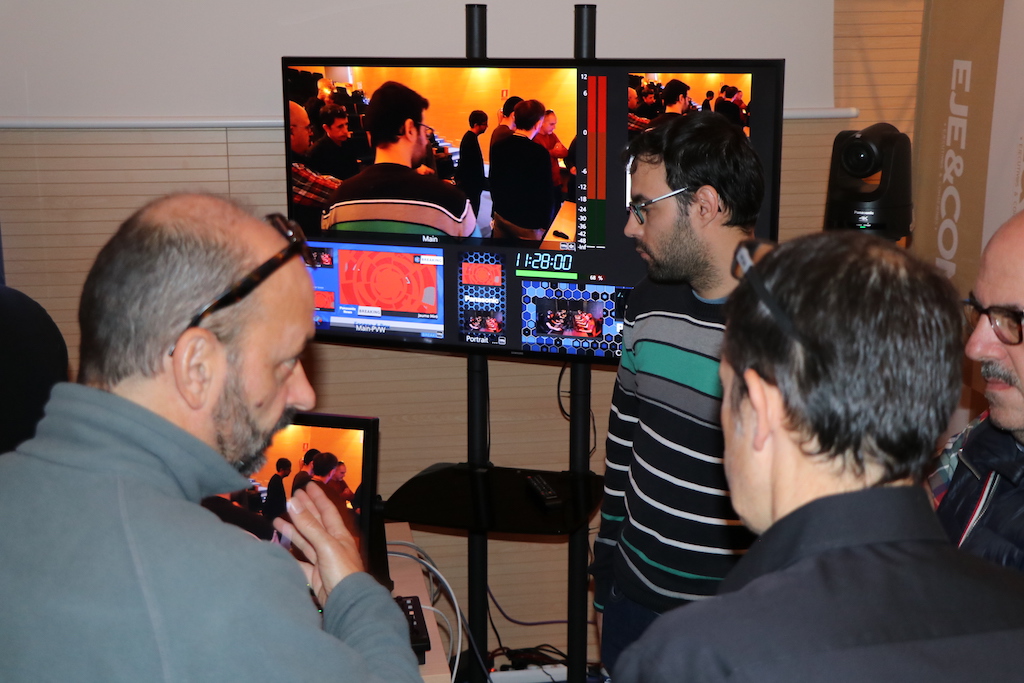 Las capas de pueden crear desde cero o copiando y pegando otras pudiendo añadir varios efectos y keys en cualquier capa sin restricciones. La herramienta Kairos Creator permite también hacer snapshots entre dos escenas con movimiento de transición de una a otra.
The estructura por capas permite una composición versátil, siendo posible encadenar escenas como parte de otra escena sin afectar al retardo. Cada escena se asigna a XPT y pueden llevarse al Look Ahead Preview (PVW) directamente para su salida ya sea en HD o 4K, enviándose la misma realización en diferentes formatos y resoluciones de forma simultánea desde el propio mezclador.
A nivel de memoria interna, cuenta con stills que puede importar diferentes tipos de formatos PNG, TIFF, JPEG, TGA … pudiendo reproducir los archivos directamente sin tener que pasar por un canal ocupando un espacio. También dispone de reproductor de vídeo con hasta 8 canales, con reproducción directa de loops, ráfagas…
A diferencia de un mezclador tradicional, Kairos permite tantas capas como la capacidad de la GPU.
They are facilidad para definir escenas que pueden contener tanto snapshots como macros le otorga una gran personalización para lanzar al aire al momento cualquier programa o reconfigurarse con solo pulsar un botón según las preferencias de cada realizador. Kairos no solo permite memorizar las fuentes o transiciones sino que también es capaz de guardar mediante macros movimientos de cámaras o pedestales como el Panapod, agilizando así su uso en entornos de producción virtual. Junto a un motor de realidad virtual sería posible automatizar tanto los movimientos de las cámaras como del escenario virtual, llamando a los distintos escenarios, elementos, movimientos…
En lo que a control de robóticas se refiere, Kairos permite el control de sistemas robotizados como PTZs o brazos robóticos como KST-CamBot. Las funciones de pan/tilt/zoom pueden ajustarse controlando la velocidad, pudiendo llamarse las memorias de posición con solo pulsar un botón con su icono correspondiente. Incluso, sistemas como el Tecnopoint Tuning pueden lanzarse mediante comando HTTP/IP.
Junto al sistema CamBot es posible automatizar el sistema completo incluyendo sistemas robóticos adicionales y otros sistemas como audio, iluminación, gráficos, grabadores…
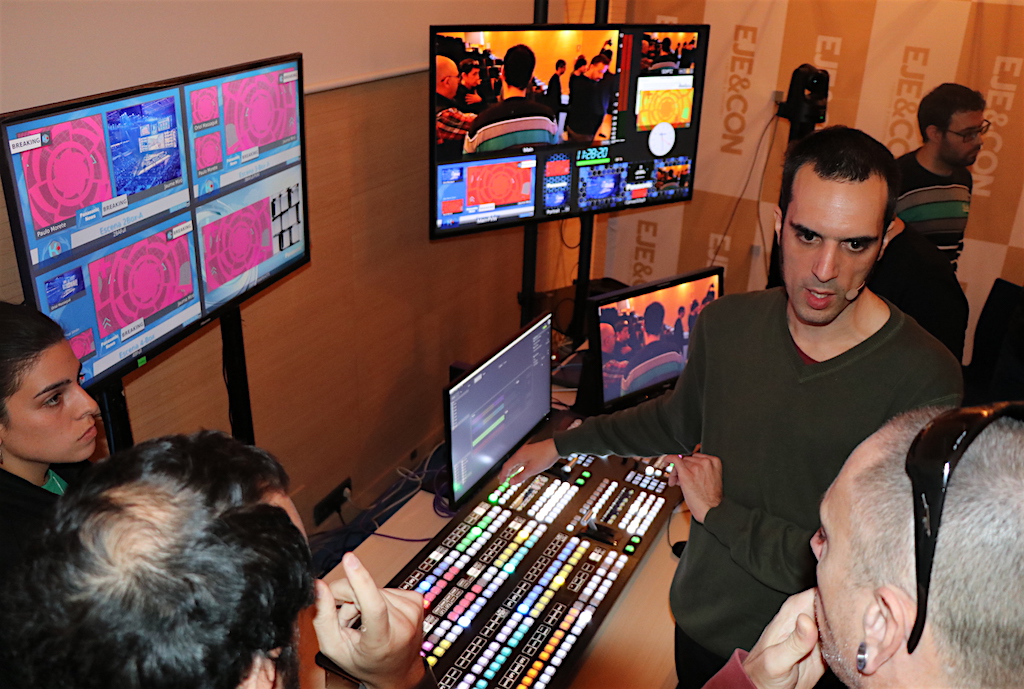
Recursos internos
Además de las entradas físicas, Kairos ofrece una serie de recursos internos como 8 canales RAM Player (sin compresión), 2 canales Media Player (comprimidos), 4 canales de audio, and mezclador de audio, and repositorio de imágenes fijas ilimitado, y tres Colour Matters + Negro y blanco.
A pesar de que las imágenes fijas y los RAM Player se tienen que cargar en la memoria RAM primero, el Clip Player funciona con descompresión en tiempo real desde el disco interno sin ninguna operativa adicional.
Cabe destacar también que Kairos funciona como cliente/servidor por lo que diferentes clientes pueden acceder al servidor, lo que significa que distintos usuarios pueden conectarse y operar a la vez.
Además, distintos tipos de controladores se pueden conectar a Kairos incluyendo paneles dedicados, paneles táctiles, PCs… En el caso de la presentación en Mediapro, pudo verse la versatilidad añadida que ofrece su interoperatividad con el panel StreamDeck XL.
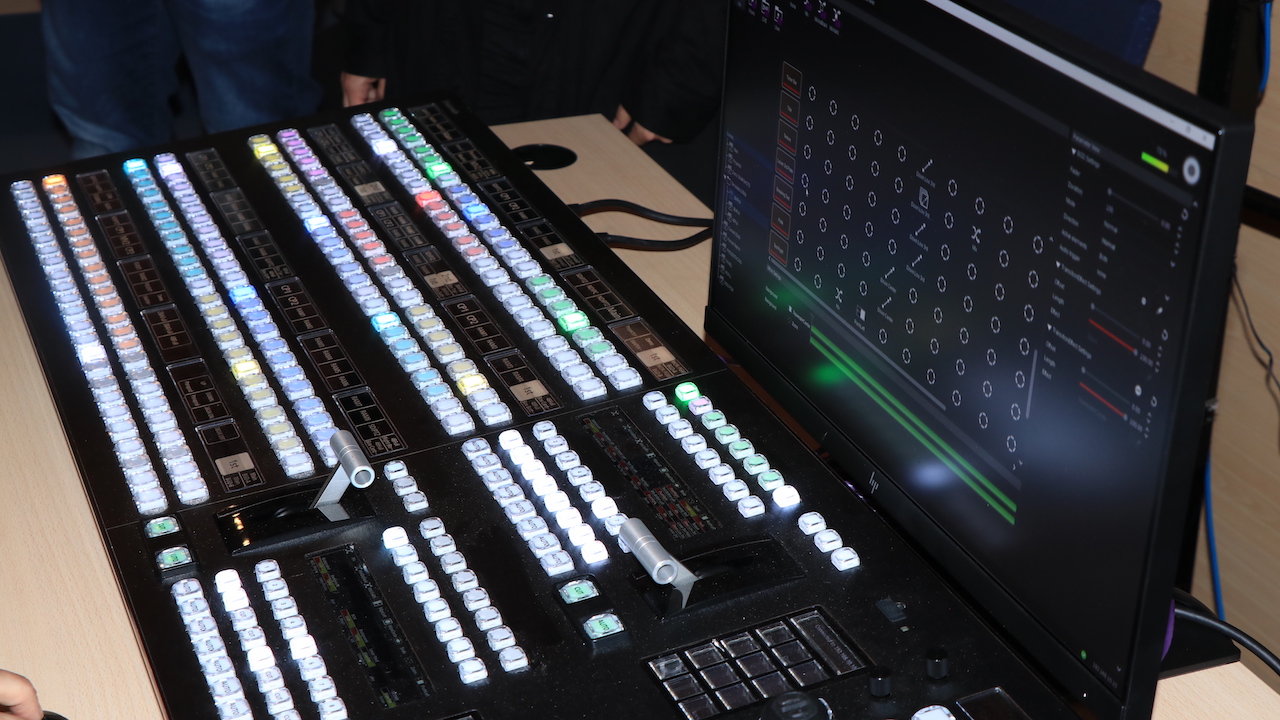
Presentaciones en directo
Para entornos de presentaciones en directo, las productoras de eventos pueden emplear Kairos en sustitución de los clásicos y engorrosos sistemas para presentación de contenidos multipantalla, multifuente y multiresolución sobre videowalls LED, o proyecciones de gran formato.
Kairos es capaz en cuestión de minutos de crear canvas de cualquier tamaño independientemente del formato o la resolución tanto de las señales de entrada como de salida.
La opción Free Canvas permite crear cualquier tipo de relación de aspecto para soportar cualquier formato de display. Incluso, permite producciones con contenidos con diferentes resoluciones y relaciones de aspecto, adaptándose a cualquier formato de visualización (16:9, 32:9 para blending o en modo vertical 9:16). Y es que cada salida puede tener una relación de aspecto distinta que es “renderizada” en directo.
Cada contenido se controla de forma individual con corrección de color disponible para cada salida de forma independiente dando así unicidad a una presentación global que incluye proyección con blending o varios videowall LED y pantallas (en horizontal o vertical) tanto es una presentación corporativa, un evento de e-Sports o un gran plató en televisión.
Did you like this article?
Subscribe to our NEWSLETTER and you won't miss anything.
Related articles
 Kairos (Panasonic) demonstrates the transition to IP in hybrid environments with ST 2110
 Panasonic presenta Kairos 1.6 y la nueva plataforma MSP en ISE 2024
 Las claves de Kairos, al descubierto en Madrid en un evento organizado por Panasonic y Unitecnic
 Kairos (Panasonic) da la bienvenida al protocolo RossTalk en su versión 1.3.2
Panasonic actualiza Kairos con más entradas y salidas con la función Agile I/O
Kairos (Panasonic) da la bienvenida al protocolo RossTalk en su versión 1.3.2
Panasonic actualiza Kairos con más entradas y salidas con la función Agile I/O
 Mediaset integra el sistema IP Panasonic Kairos en su sede de Milán
 Panasonic refuerza Kairos con el nuevo mainframe AT-KC1000
 AJA se une a la Alianza Kairos de Panasonic
 Panasonic Kairos, the new IT/IP live production platform
 La versatilidad de la nueva compacta EVA 1 de Panasonic con sensor Super-35 cautiva al IBC
 SSL Live: mezcla digital en directo con máxima versatilidad
 Panasonic AW-RP120: versatilidad total en el control de cámaras bajo IP o serie
 Sony PMW-200: máxima versatilidad en la ‘heredera’ de la PMW-EX1
 Panasonic AG-HPX255: máxima versatilidad en campo y estudio