





Blackmagic Design now offers Blackmagic RAW recording on its Video Assist 12G
Blackmagic Video Assist 3.1 and Blackmagic RAW 1.7 offer support for the Blackmagic RAW format when recording on the Video Assist 12G with Panasonic EVA1 and Canon C300 MK II cameras.
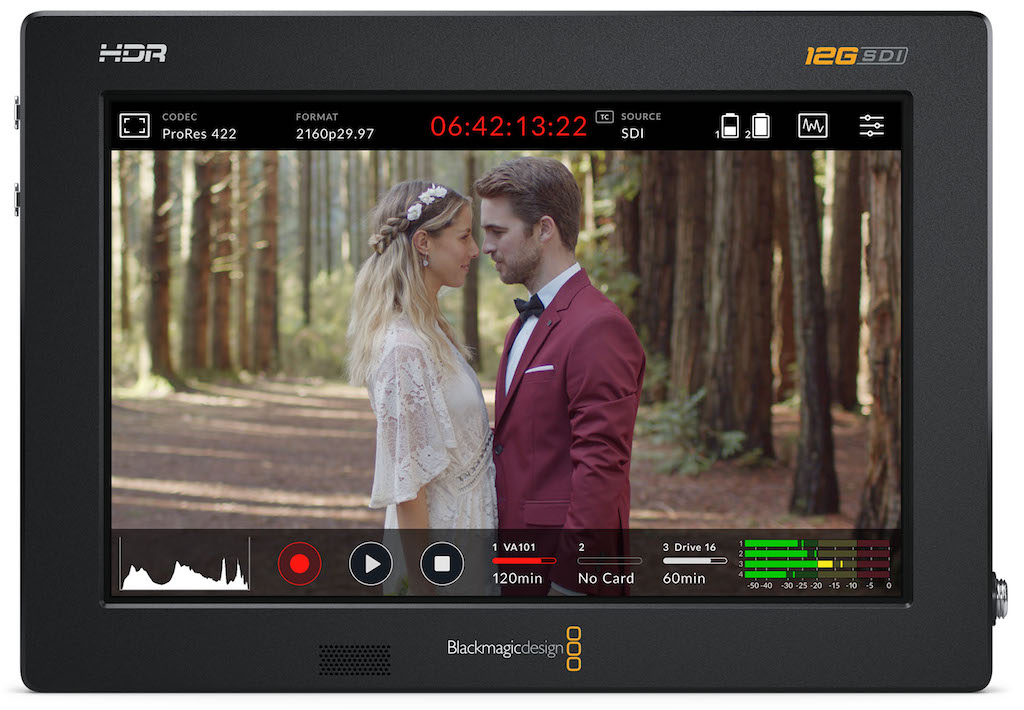
Blackmagic Design has updated Blackmagic Video Assist 3.1 y Blackmagic RAW 1.7, which offer support for the Blackmagic RAW format when recording with the models Blackmagic Video Assist 12G in the cameras Panasonic EVA1 y Canon C300 MK II.
The new versions allow users to take advantage of the benefits of Blackmagic RAW workflows and also greatly improve quality and creativity in the post-production stage. On the other hand, Blackmagic Video Assist 3.1 also provides the possibility of entering metadata, in order to record and tag shots during filming, which results in better organization of content in more complex productions.
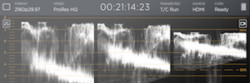
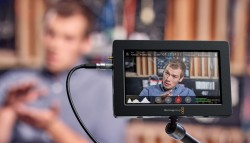
The new Blackmagic Video Assist 12G HDR model offers professional tools for Record and monitor images in HD, UHD, DCI 2K and 4K formats on any type of SDI or HDMI camera. It features innovative features such as a brighter screen for viewing HDR images, pilot light, four graphic displays, optimized focus assist, three-dimensional conversion tables and recording in Blackmagic RAW format. Thanks to 12G SDI and HDMI 2.0 connections in the 5 and 7-inch versions, it allows you to capture images in any format at a maximum resolution of 2160p60.
Furthermore, the touch screen makes it ideal for evaluating footage recorded during location shoots in broad daylight. On the other hand, its renewed design supports two L series batteries (Sony). This means that it is extremely versatile and ideal for making digital cinema projects, mastering during live productions and checking the signal for later broadcast.
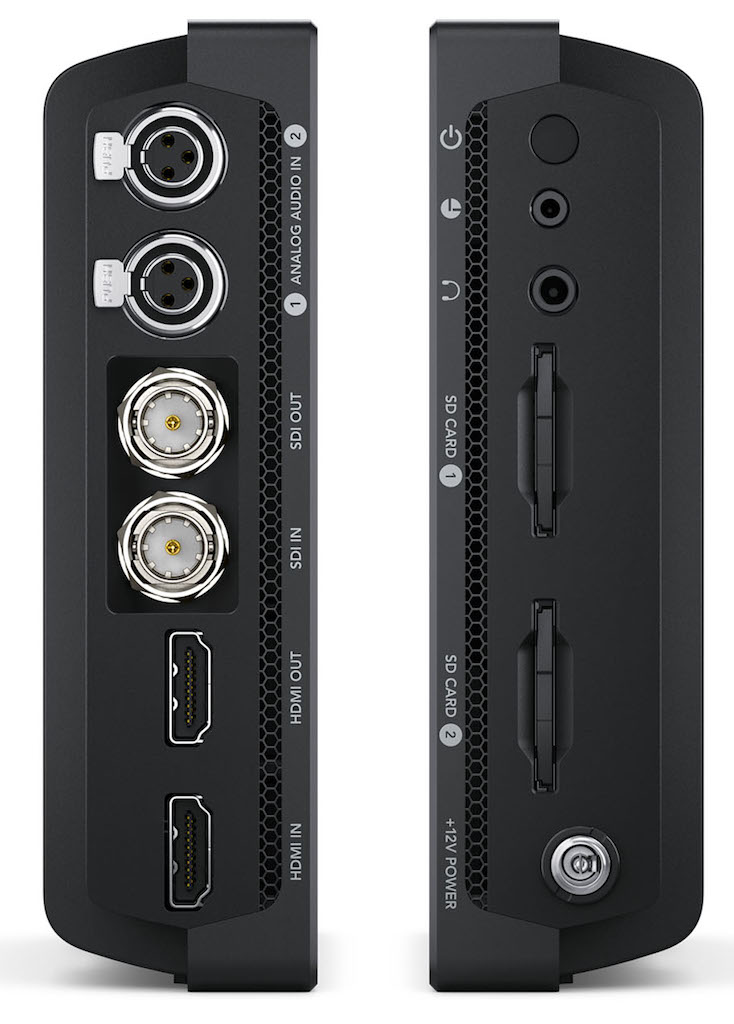 When recording, digital film cameras use a logarithmic color space to preserve dynamic range, which is ideal for the post-production process. However, when these images are viewed on a monitor, they can appear dull without much contrast. In this sense, the three dimensional conversion tables They are the ideal solution, since they allow you to attribute a certain appearance during filming to have a better idea of how the material will look when edited. Additionally, they can be applied temporarily during monitoring or integrated into Blackmagic RAW files for later use. The different Video Assist models are compatible with conventional 3D LUTs (.cube) of 17 or 33 points. Likewise, it is possible to use the included tables, for example, “Extended Video”, “Film to Video” or “Film to Rec. 2020”.
The products of the Video Assist line generate open format files, so it is not necessary to transcode them. They also allow recording in 10-bit ProRes or DNx or 12-bit Blackmagic RAW formats when connected to compatible cameras. Best of all, the files are compatible with all operating systems.
Blackmagic RAW is an innovative new format designed to capture and preserve all the information received by the cameras' sensor. Video Assist devices allow you to record in this codec with various common cameras, such as the Panasonic EVA1 and Canon C300 MK II models.
Consequently, problems with traditional formats are avoided, for example, H.264, which offer high compression, causing noise and artifacts in the final result. On the other hand, the files contain, in the form of metadata, the settings and virtual clapperboard information, which provides absolute control over color and exposure when editing, and all without losing quality. In addition, they are so small and so fast that they speed up any work dynamic. Only Blackmagic RAW delivers the best results, the most compact files and the fastest performance.
Grant Petty, CEO of Blackmagic Design, highlights that "the Blackmagic Video Assist 12G model is very popular and has become an exceptional way to improve the quality of monitoring and recording on a wide variety of cameras. Users will appreciate the recording function in Blackmagic RAW format, which will dramatically optimize the quality of these units. In addition, we believe that it will help the post-production process when combining editing and grading of images in DaVinci Resolve."
Main features
- Three-dimensional LUTs that can be applied to record and monitor images.
- Open formats compatible with the most popular editing programs.
- Recording in Blackmagic RAW format with compatible third-party cameras.
Did you like this article?
Subscribe to our NEWSLETTER and you won't miss anything.
Related articles
 Blackmagic Design launches support for the Apple ProRes RAW format
 QTake Video Assist now includes forensic protection with Nagra NexGuard
 Blackmagic Design updates Video Assist to be recognized as a webcam
 Blackmagic launches an economical version of its popular Video Assist 3G
 Onda Cádiz RTV offers the entire Carnival live for the first time with Blackmagic Design equipment
 Telemetrics Offers Full Robotic Control for Blackmagic Design Ursa Cameras
 Avid Pro Tools now offers higher video resolution and frame rate
 Blackmagic updates its Video Assist with new features
 Blackmagic updates its popular Video Assist
 V-Nova's Perseus video compression system now offers support for Nvidia GPUs
 Blackmagic Video Assist allows you to record and monitor content with superior quality
 VR-50HD: Roland presents a multi-format HD audio/video mixer for streaming and recording
 Avid AirSpeed 5000 now offers slow motion, fast playback ingest and continuous recording
 Samsung now offers vandal-resistant video recording on its totems