





Feelworld FT6-FR6: a complete kit of monitor transmitter and receiver via WiFi
Seetec's new signal monitoring and retransmission kit has a transmission range of up to 250 meters, with an ultra-low latency of just 0.07 seconds.
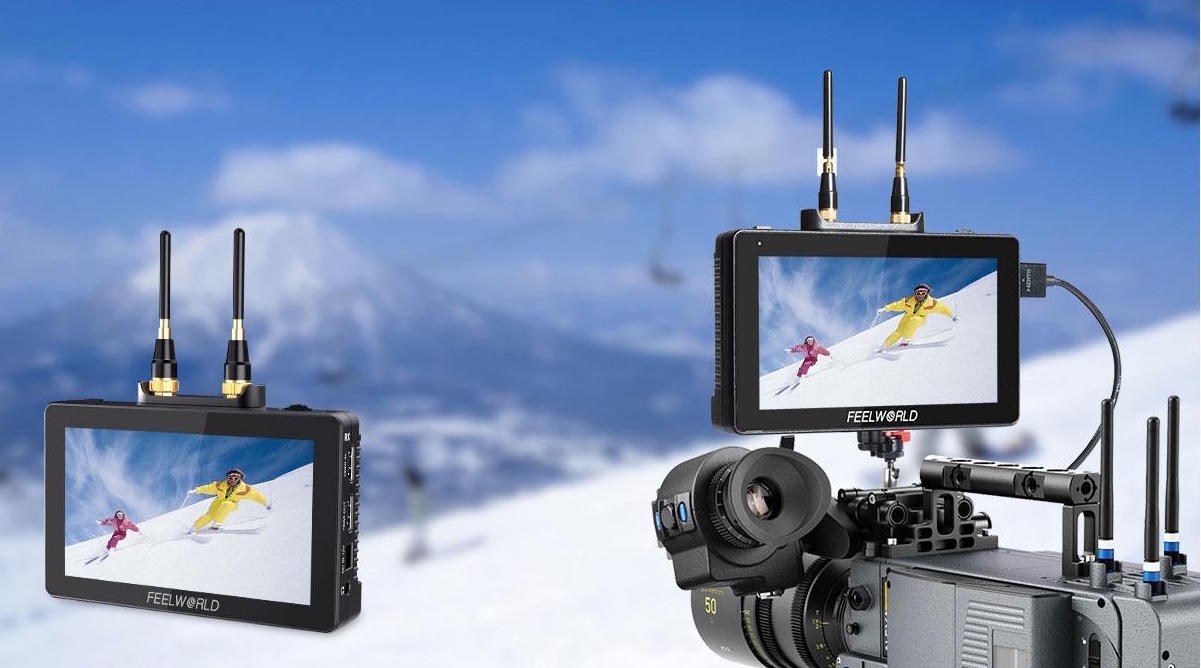
Seetec Optoelectronics Technology adds to its portfolio a solution for retransmission and monitoring of live video signals via WiFi.
Combining wireless video transmission and a high-quality HD monitor, the monitors Feelworld FT6 y FR6 make up a kit of ultralight and wireless monitoring which provides complete mobility on the recording set. It uses two 2dBi technology antennas and H.264 codec for efficient image processing, clearer signal and lower latency. The FR6 can receive uncompressed HD wireless signals from the FT6 transmitter.
Despite its compact size 5.5 inches and only 370 grams weight, this kit has a transmission range of up to 250 meters, maintaining a Ultra-low latency of just 0.07 seconds.
The FT6 and FR6 monitors support up to 1080p 60HZ, as well as common video formats 1080P60, 1080P50, 1080i60, 1080i50... In addition, they incorporate 11 selectable channels for a more stable image.
Additionally, it includes a separate function of WPS pairing. Cuando necesite emparejar los dispositivos, mantenga presionado WPS tanto del transmisor (TX) como del receptor (RX) durante aproximadamente 1 segundo.
La pantalla IPS de 5.5″ dispone de una resolución de 1920 x 1080 con calibración de color Rec.709, contiene 400 píxeles por pulgada y proporciona un amplio ángulo de visión de 160°, facilitando el monitoreo desde cualquier posición. El monitor incluye calibración de color 3D LUT incorporada, que cumple con el estándar de REC -709.
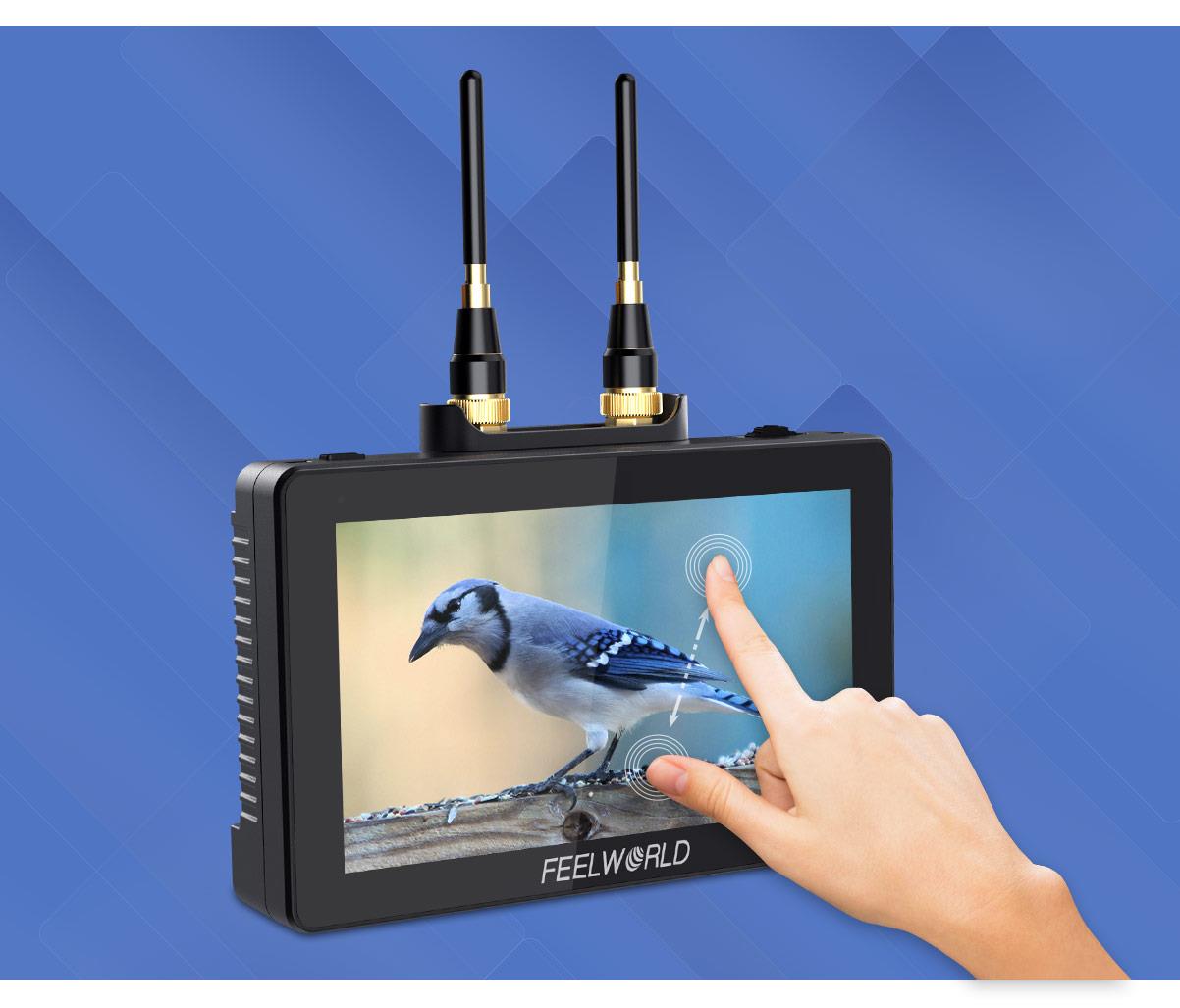
Pantalla táctil
La pantalla táctil interactiva hace que la configuración del FT6 y FR6 sea increíblemente intuitiva. Todas las funciones están al alcance de su mano, allowing you to use simple tap and swipe gestures to change any parameter. You can use the two-finger zoom gesture to zoom in and out. In addition, they also support physical button control. Touch/turn the wheel button for quick selection and function settings. Touch the power switch to turn off the touch function according to user needs.
The operating system includes a wide set of oscilloscopes for exact image control. Likewise, tools for focusing, framing and exposure are included (waveform, RGB histogram, vectorscope, audio signal meter, focus peaking, zoom, zebra, false color, frame guides, etc.) along with the 3D LUT system (use integrated LOG for Rec.709 video or load files with a specific color profile).
HDR image monitoring for incredible clarity and detail.
The FT6 and FR6 incorporate HLG 2020, HLG 709, HLG P3 HDR 3D LUTs and the Rec709 De-slog3 LUTs include SLOG2, SLOG3, LOGC, VLOG. The monitor may display a signal HDR (High Dynamic Range) for incredible clarity and detail, simplifying the use of Log and HDR, helping you replicate post-production workflows at the time of recording.
Both monitors have HDMI input and output, allowing you to not only display live signals, but also send them to other monitors simultaneously. Additionally, you can monitor audio using the 3.5mm stereo headphone jack.
Connect your DSLR or mirrorless camera
The FT6 and FR6 provide auxiliary power (DC OUT 8V) to service other equipment such as cameras. With a battery adapter cable (optional), extend the operating time of the camera while providing a more effective viewing tool.
Note, on the other hand, that the FR6 receives the video from the FT6 and can send it to other monitors through HDMI OUT, which is convenient for the director and photographer to view the same signal at the same time.
In addition to the universal power supply 12V; The FT6 and FR6 also include two battery slots on the back. It is possible to mount Sony L series batteries, which will provide us with enough energy for the screens. In addition, with 2 battery slots, you can change batteries without interrupting monitoring, you just need to double-click the battery icon in the upper right corner of the monitor. With one F970 battery (6600mah) it works autonomously for approximately 2 hours, and with two F970 batteries between 4 and 5 hours. You can choose to install 1 or 2 based on your needs.
Did you like this article?
Subscribe to our NEWSLETTER and you won't miss anything.
Related articles
 Blackmagic's full deployment at IBC 2024 is completed with the premiere of the new Pyxis Monitor
 SmallHD develops the Qantum Dot Monitor OLED HDR reference monitor
 4K streaming and virtual reality trigger the need for Wi-Fi optimizations
 Teradek shares the keys to its new Spark 4K, wireless video transmitter and receiver
 Agile Content acquires WiFi technology company Fon
 Feelworld LivePro L1: a professional video mixer with four HDMI inputs
 Feelworld launches the new LUT 7 and LUT 7S monitors
 AEQ debuts its new WiFi-based Xplorer wireless intercom at NAB
 Robisa, new Feelworld distributor for Spain, Portugal, Andorra and Gibraltar
 Sony expands UWP-D series with new attachable wireless receiver and bodypack transmitter
 Hybrid TV WiFi Test: WiFi connectivity analyzer for Hybrid TV and Smart TV
 Nuevo receptor AKG PR4500 ENG
 Promax DVB-T optical signal transmitter and receiver
 Zaxcom QRX100: receptor RF para ENG