





Switcher Studio: multi-camera filmmaking in the palm of your hand
This app allows you to convert any iOS device into a multi-camera filming control by mixing several 1080p signals from iPhones or iPads, with transition and graphics effects, and direct output to any RTMP platform.
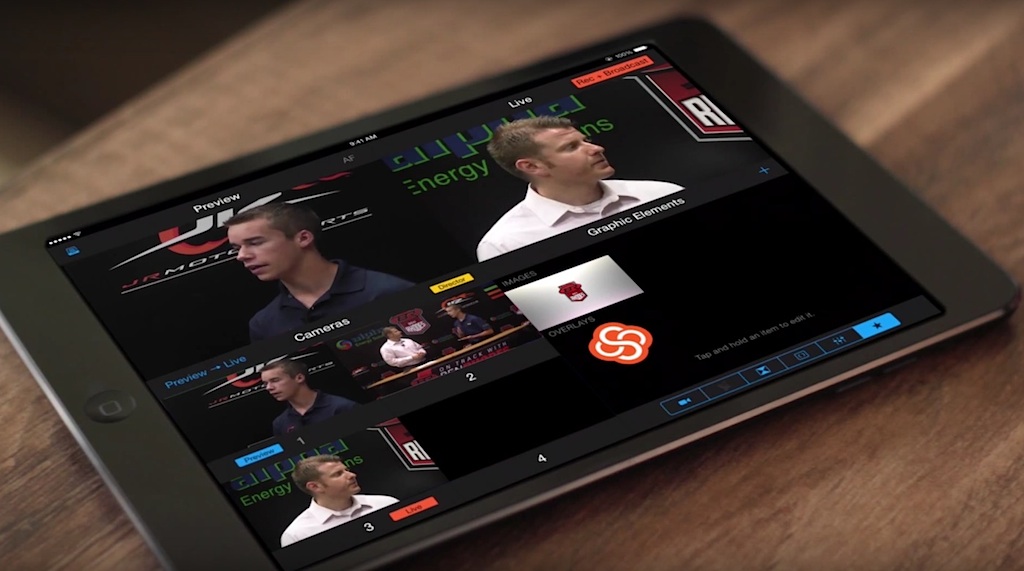
SilverSunn has developed Switcher Studio, an app capable of converting any iOS device into a multi-camera filming control.
Once the user has registered (there are different contracting modalities), choose an iPad or iPhone to configure it as a signal mixer for up to four cameras from each device (in this case the application is downloaded for free, configuring them only as cameras).
Once all devices are wirelessly interconnected under the same Wi-Fi network, the system allows the different HD signals to be mixed in real time.
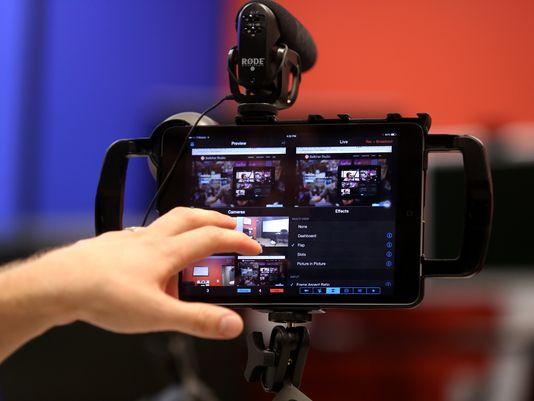 Switcher Studio allows you to mix with the cut or with the most common transitions (dissolve, cube, blind...) or even include images from the device itself.
In addition, it allows picture-in-picture effects of images stored on the device.
The app can be configured to store the production on a device, launch it directly to any RTMP live streaming platform such as YouTube Live or Ustream, or even record camera feed on each device for later synchronous export to a non-linear editor.
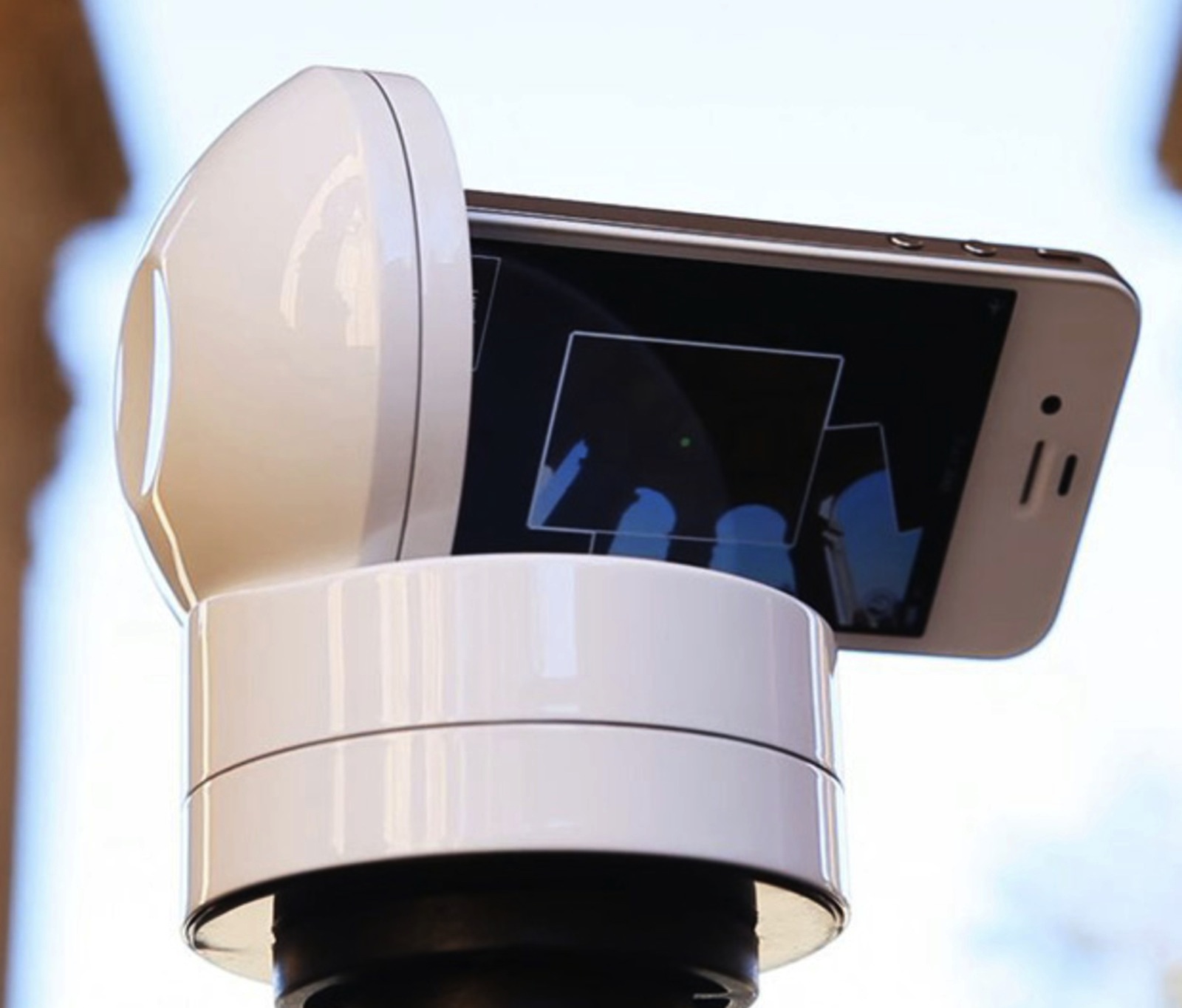 For more advanced applications, Switcher Studio supports the use of Motrr's Galileo robotic system, through which the user can remote the camera from their own device by making manual or programmed panning.
Starting this October, Switcher Studio is even more powerful thanks to the launch of “Director” mode. This update allows users to assign fixed frame rates, record broadcast-quality video up to HD 1080p from multiple angles using mobile devices, and export mix compositions to Final Cut Pro
Con el nuevo “Director mode” de Switcher de estudio, los usuarios pueden desactivar la cámara integrada en el dispositivo principal y sincronizar hasta 4 iPhones o iPads adicionales mediante un único router o punto de acceso.
Otra novedad es la posibilidad de salir en una calidad menor a una plataforma RTMP si el ancho de banda disponible es limitado sin dejar de recoger vídeo HD a 1080p para subir posteriormente para su visualización bajo demanda.
Sin duda, una aplicación a tener muy en cuenta para la retransmisión en directo de jornadas, reuniones u otro tipo de eventos.
[youtube]https://www.youtube.com/watch?v=xkAcl4vxQEg[/youtube]
Did you like this article?
Subscribe to our NEWSLETTER and you won't miss anything.
Related articles
 'El Conquistador' travels from EiTB to TelevisaUnivision with The Mediapro Studio
 LiveU Studio se transforma de cara a IBC 2024: repetición multicámara, grabación ISO…
 The Palme d'Or winner at Cannes, 'Anatomy of a Fall', completed with DaVinci Resolve Studio
 The Mediapro Studio's Master of Screenwriting comes to Barcelona thanks to the ESCAC
 The Mediapro Studio produces 'Hand of Iron', a new Netflix original
 Celebro will develop its new Global Studio project with Quicklink
 RTVE broadcasts a European Parliament event in 5G, multi-camera and cloud production
 France 3 emplea Quicklink Studio para un multicámara en FB Live del concierto de Bigflo & Oli
 Convergent surprises with Apollo, the new portable HD multi-camera recorder/switcher
 Nuke 9 and Nuke Studio arrive in Spain from Trigital
 Multi-camera production in the hands of Sky subscribers in the Champions League final
 SideKick HD: professional recording in the palm of your hand
 MyGobo: all Rosco gobos in the palm of your hand
 Sony PCM-M10: professional portable recorder in the palm of your hand