





Corridor Digital uses DaVinci Resolve Studio for post-production of its popular YouTube channels
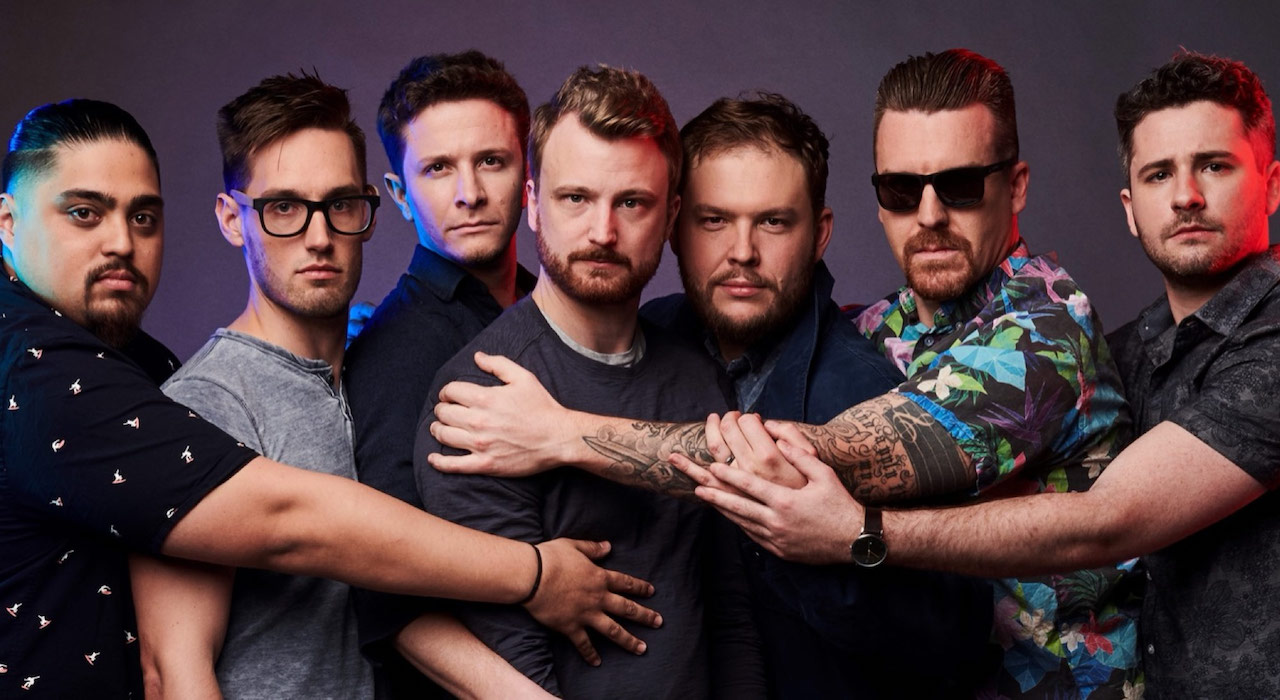
The Los Angeles-based production company Corridor Digital uses DaVinci Resolve Studio Blackmagic Design for editing, grading, visual effects and audio mixing for its popular broadcast channels. YouTube, Corridor Digital and Corridor Crew.
Between both channels they have more than 15 million subscribers and with their collaborations they make up to 10 videos a month for their followers.
Digital Corridor was founded in 2010 by Sam Gorski and Niko Pueringer and is recognized for her pop culture-inspired short films and comedy videos. Over the years, the production company has gained subscribers, up to 9 million on its main YouTube channel, as well as being awarded various awards for its creative content, for example in the special and visual effects category of the Streamy Awards. His second channel, Corridor Crew, has nearly 5 million subscribers, and features visual effects tutorials and behind-the-scenes content.
Editing and finalizing content for YouTube always requires a high pace with tight deadlines. In order to fulfill orders, Corridor Digital has recently begun to use DaVinci Resolve Studio in more aspects of post-production, relying on the Editing and Editing modules, Fusion for visual effects and graphic animations, and Fairlight regarding audio. The Corridor Digital production team also uses units Pocket Cinema Camera 4K to capture cinematic-style images for both channels, and a device DaVinci Resolve Mini Panel with the purpose of speeding up grading.
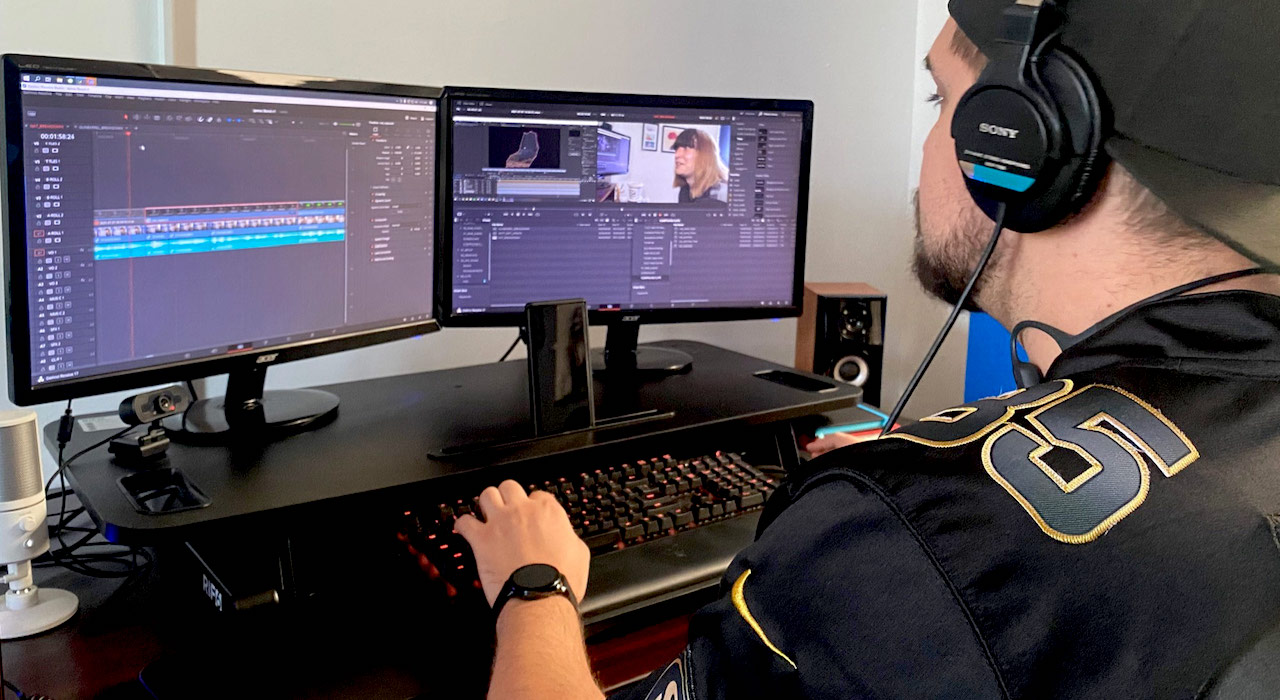
A collaborative work
Con un equipo de entre cuatro y seis personas trabajando con DaVinci Resolve Studio constantemente, Corridor Digital confía de pleno en la dinámica de trabajo colaborativa del programa. “Las opciones de colaboración de DaVinci Resolve Studio nos brinda la posibilidad de etalonar las imágenes mientras se finaliza la edición simultáneamente, lo que nos ahorra un tiempo muy preciado al final de la semana”, explica Dean Hughes, editor principal.
El equipo de Corridor Digital produce de dos a tres videos a la semana por lo que deben completar cada uno de ellos muy rápido, en un máximo de cinco días, a veces menos. “Tener que exportar ediciones entre distintas aplicaciones añadía tiempo a nuestra dinámica de trabajo, así que ahora podemos realizar nuestro trabajo más rápido ya que todos los aspectos de la posproducción se llevan a cabo en DaVinci Resolve Studio”, asegura Pueringer.
“Cuando comienzas a editar tres horas de material grabado para un video que debe ser entregado en tan solo unos días, el tiempo esencial, de manera que el módulo Montaje es muy útil. El modo de edición de cinta nos permite tratar una bandeja llena de material como si fuera un clip largo, de manera que rápidamente podemos identificar los mejores planos”, añade Hughes. “Cuando abrimos el módulo Edición, se siente como si hubiera sido diseñado para un montaje dinámico y sencillo. Además, la forma de onda actualizada en tiempo real ahorra mucho tiempo. Si estoy marcando fotogramas clave a fin de ajustar los niveles, ni siquiera es necesario que escuche el audio para saber si son correctos, ya que la onda está justo ahí en la línea de tiempo”.
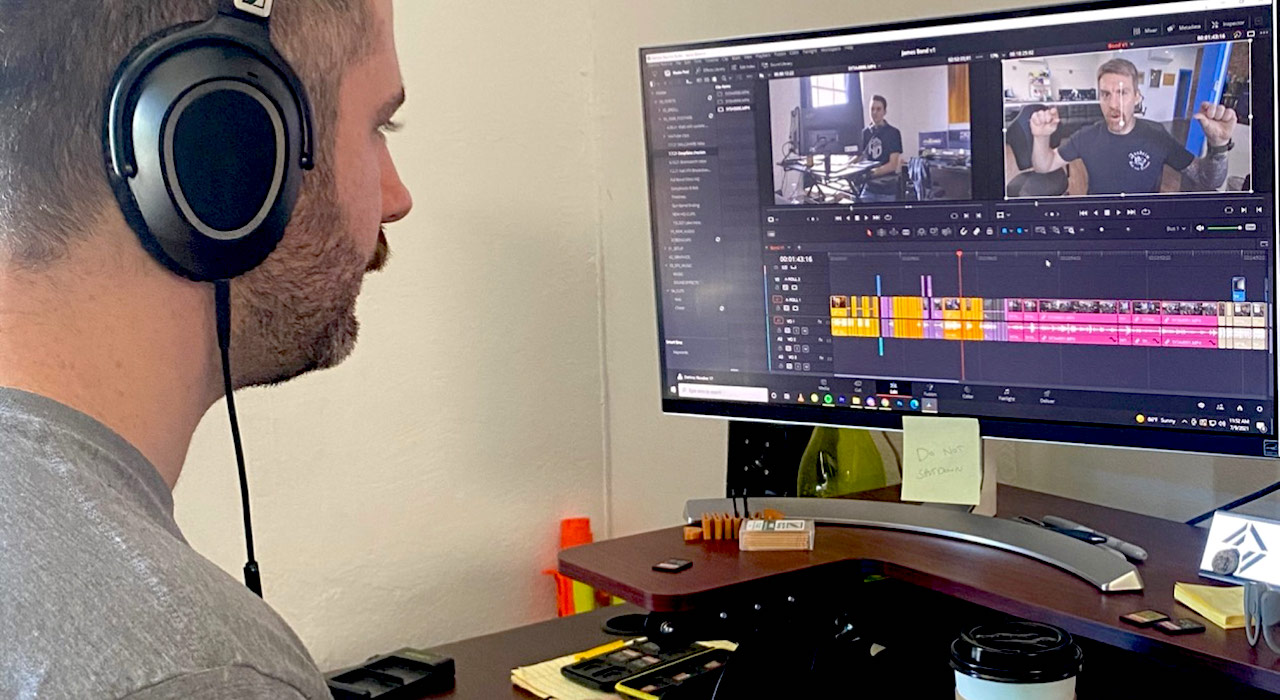
Módulo Fusion
Según Hughes, el módulo Fusion es especialmente útil para la serie de Corridor Digital, VFX Artists React, en la que artistas de efectos especiales critican tanto buenos como malos trabajos en la materia.
“Cada episodio usa animaciones, gráficos y efectos personalizados a fin de explicar de manera visual lo que los artistas están enseñando a la audiencia. Esto incluye desde el enmascaramiento de un personaje para sacarlo de plano, el uso de líneas poligonales para contornear el área importante de un fotograma, o incluso realizar una composición con fondo verde para una pieza de material grabado. Tener la capacidad de realizar una composición en Fusion e instantáneamente abrir el módulo Edición con el clip actualizado hace que los efectos visuales sean un aspecto más del proceso de edición. Asimismo, poder crear plantillas de títulos en Fusion que compatibles con el módulo Edición es muy útil”, añade.
Por su parte, el editor Chase Morgan reconoce que “disponer de un espacio para composiciones integrado en DaVinci Resolve Studio es algo revolucionario. Solía utilizar un método basado en capas, pero cuando entendí los principios básicos de las estructuras nodales para las composiciones y la creación de gráficos, me resultó divertido e intuitivo”.
La función de cadena lateral (auto-ducking) en el módulo Fairlight es también esencial, ya que garantiza que las pistas de diálogo siempre se escuchen con claridad sobre la música o los efectos de sonido, ahorrándole al equipo mucho tiempo a la hora de ajustar los niveles de audio.
"The sound library integrada en el módulo Fairlight es increíblemente útil”, destaca Hughes. “Tenemos decenas de miles de efectos sonoros repartidos por nuestros servidores, pero una vez que los integramos en Fairlight, podemos hacer una búsqueda instantánea en toda la biblioteca simplemente usando el teclado. Basta con escribir el nombre del sonido que estás buscando para que aparezca una lista con todas las opciones disponibles, y a continuación solo hay que arrastrarlo a la línea de tiempo”.
“Gracias a DaVinci Resolve Studio, la dinámica de trabajo de posproducción al completo se ha convertido en un trabajo eficiente. De principio a fin, contamos con todas las herramientas necesarias para entregar el contenido todas las semanas. DaVinci Resolve Studio ha sido nuestro programa de etalonaje de confianza desde hace casi una década, pero ahora estamos realmente beneficiándonos de todas sus ventajas”, concluye Pueringer.
Did you like this article?
Subscribe to our NEWSLETTER and you won't miss anything.
Related articles
 Japanese university Toho Gakuen acquires 27 licenses of DaVinci Resolve Studio for training
 ‘Extremely Inappropriate!’, the TBS drama series, uses DaVinci Resolve Studio in its grading
 ‘Y2K’ (A24) travels from digital to celluloid with DaVinci Resolve Studio
 The Japanese IBC Iwate Broadcasting uses DaVinci Resolve Studio in its sports programs and in post-productions
 Moon Garden’, from 35 mm to digital with Cintel and DaVinci Resolve Studio
'Moon Garden', from 35 mm to digital with Cintel and DaVinci Resolve Studio
Moon Garden’, from 35 mm to digital with Cintel and DaVinci Resolve Studio
'Moon Garden', from 35 mm to digital with Cintel and DaVinci Resolve Studio
 DaVinci Resolve Studio, key to editing, grading and sound mixing of 'Winny'
 Pwnisher, the popular YouTube influencer specializing in visual effects, uses DaVinci Resolve Studio
 Goldcrest Post chooses DaVinci Resolve Studio to grade 'King's Man: The Origin'
 DaVinci Resolve Studio Collaborative Tools Make 'Soul Seeing Machine' Possible
 Corridor Digital uses DaVinci Resolve Studio for end to end post for its YouTube channels
 Elton John's interpretation of 'One World: Together At Home' post-produced with DaVinci Resolve Studio
 The German science fiction series 'Spides' uses DaVinci Resolve Studio in its post-production
 Oscar winner Claudio Miranda trusts DaVinci Resolve Studio and DaVinci Resolve Mini Panel from Blackmagic