





Blackmagic Design announces the release of DaVinci Resolve 10
This update is one of the largest and offers innovative filming tools, new editing features, support for OpenFX plugins and much more.
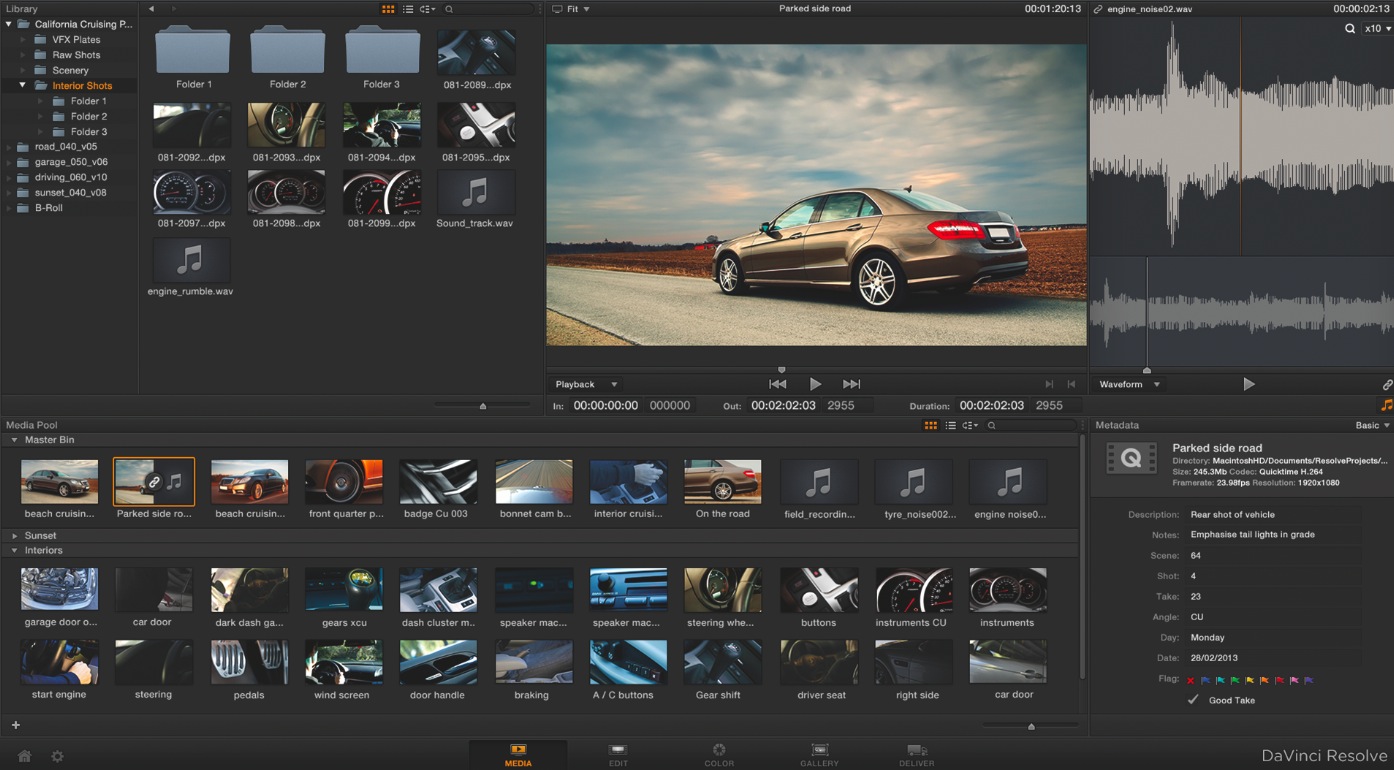
Blackmagic Design has announced the release of DaVinci Resolve 10, which is now available for free to DaVinci Resolve users. This update is one of the largest and offers innovative filming tools, new editing features, support for OpenFX plugins and much more.
The free version of the program (DaVinci Resolve Lite) can also be downloaded for Mac OS X and Windows. DaVinci Resolve Lite now offers the ability to work with Ultra HD resolutions and additional graphics processing units.
DaVinci Resolve 10 has been developed to simplify the integration of different computer tools used in the film and television industry, allowing you to import and export timelines from this and other editing programs such as Final Cut Pro, Avid and Premiere Pro.
Processes have changed and today many post-production tasks begin during filming. Lighting and other aspects are usually corrected after checking the color adjustment, and DaVinci Resolve 10 has new tools to manage this process. The new Live feature allows you to color grade directly from the video source in real time with complete creativity, using primary colors, secondary colors, Power Windows, custom curves and much more. Digital grading can be saved and linked again when loading camera files.
DaVinci Resolve 10 includes enhanced editing features and allows you to finish edits made with other popular programs. This way, during complex jobs, users can send scenes from their preferred applications and finish the job with DaVinci Resolve from the original in-camera RAW files for significantly better quality compared to non-linear editing systems (NLE). If a scene needs to be re-edited, it can be sent back to the NLE software to allow editors to use their preferred tools.
New features include multi-track editing with 16 audio channels per sequence and the ability to use an unlimited number of audio and video tracks in the timeline. Audio can be synchronized or trimmed and dragged independently to the timeline. The software also includes other functions to trim video sequences in various ways that are displayed dynamically in the timeline and viewer. Additionally, the screen can be split to show the start and end points of adjacent sequences.
A good example of a high-resolution editing process is when using Final Cut Pro X to complete a job that includes different frame rates, different media, multiple audio tracks, and even color corrections. DaVinci Resolve 10 allows you to import said project in XML format and translate all elements for editing while the original copy is rendered from the original RAW files from the camera. This way, the editor can use DaVinci Resolve 10 to perform high-resolution editing of the film print and generate the DCP file directly from the in-camera RAW files.
DaVinci Resolve 10 also includes a title tool that allows you to use static or moving text with different fonts and sizes, drop shadows, and XY positioning. Timelines support clips composed of different elements, including multiple audio and video tracks. Additionally, DaVinci Resolve 10 can be used for stereoscopic 3D projects, supporting left and right eye images in the media window and timeline. Using the timecode and tape name, DaVinci Resolve 10 automatically associates both views of the stereoscopic sequences.
Grading improvements
Digital grading features have been improved and DaVinci Resolve 10 now offers support for OpenFX, supporting an unlimited number of extensions per clip. The user also has an unlimited amount of Power Windows per correction node, while the new Gradient PowerWindow allows colorists to add a gradient to the image. Other grading features include the ability to copy and paste tracking data, as well as reduce spatial and temporal noise, and use blur effects.
For project delivery, DaVinci Resolve 10 offers full visibility of audio tracks in the delivery window timeline and integration with EasyDCP, allowing users to directly render their projects and create a DCP file for distribution to movie theaters. DaVinci Resolve 10 allows you to render directly from camera RAW files in floating 32-bit quality. It is simply not possible to achieve better quality for the original copy. To activate this feature, users must purchase an EasyDCP license.
DaVinci Resolve 10 also supports other media types and continues to be the market leader in file workflows due to its support for almost all video file types available. New formats include JPEG 2000 encoding and decoding, AVI file decoding, playback, and more.
Grant Petty, CEO of Blackmagic Design, highlighted that this update "is of great importance as we have added new editing functions, temporary processing, plugins for OpenFX and powerful tools for filming. The response we have received about this new version has been incredibly positive, with the world's leading post-production companies currently using DaVinci Resolve 10 to perform the most important editing tasks. The program has more than 50 new features and is the most important version in its 30-year history. by DaVinci.”
Did you like this article?
Subscribe to our NEWSLETTER and you won't miss anything.
Related articles
 '1 For All' relies on Blackmagic Design and DaVinci Resolve cameras
 'Gaey Wa'r', graded with Blackmagic Design's DaVinci Resolve Studio
 El sonido de ‘Magnificent Madness’, postproducido con DaVinci Resolve (Blackmagic Design)
 Blackmagic Design updates DaVinci Resolve to version 17.3
 ‘Chaogtu with Sarula’, edited with DaVinci Resolve by Blackmagic Design
 Blackmagic Design lanza DaVinci Resolve Speed Editor
 Blackmagic Design updates DaVinci Resolve with new Fairlight tools
 Blackmagic Design desafía la forma tradicional de trabajo con DaVinci Resolve 16
 Blackmagic Design introduces more than thirty new functions in DaVinci Resolve 15.2
 Blackmagic Design launches DaVinci Resolve 15 with powerful collaborative tools
 Blackmagic Design announces availability of DaVinci Resolve 14
 Blackmagic sorprende con el lanzamiento de una nueva cámara e innovadores paneles de control para DaVinci Resolve
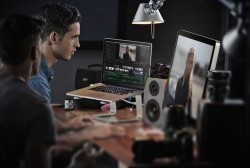 Blackmagic Design mejora DaVinci Resolve con procesamiento de archivos CinemaDNG
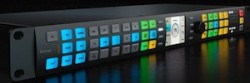 Blackmagic Design announces the release of the new Teranex 3.1 version