





Blackmagic Design introduces more than thirty new functions in DaVinci Resolve 15.2
New features requested by users include faster editing, revamped key mapping, innovative tools for aesthetic corrections, and plug-ins for audio mastering.
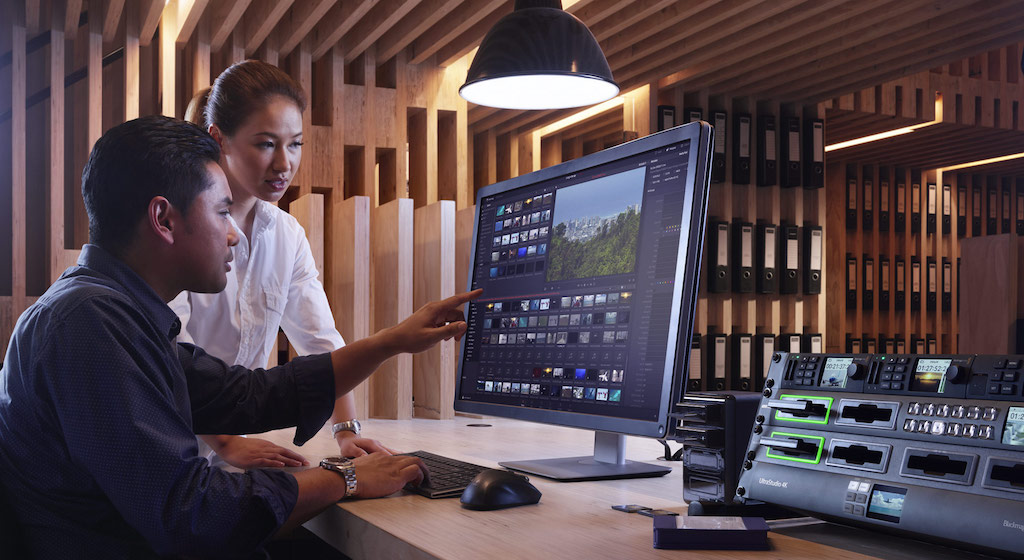
Blackmagic Design has updated DaVinci Resolve that in his version 15.2 incorporates thirty new functions in this editing, grading, visual effects and audio post-production program. For this update, Blackmagic has taken into account the opinion of users who are looking for simplify and streamline daily tasks.
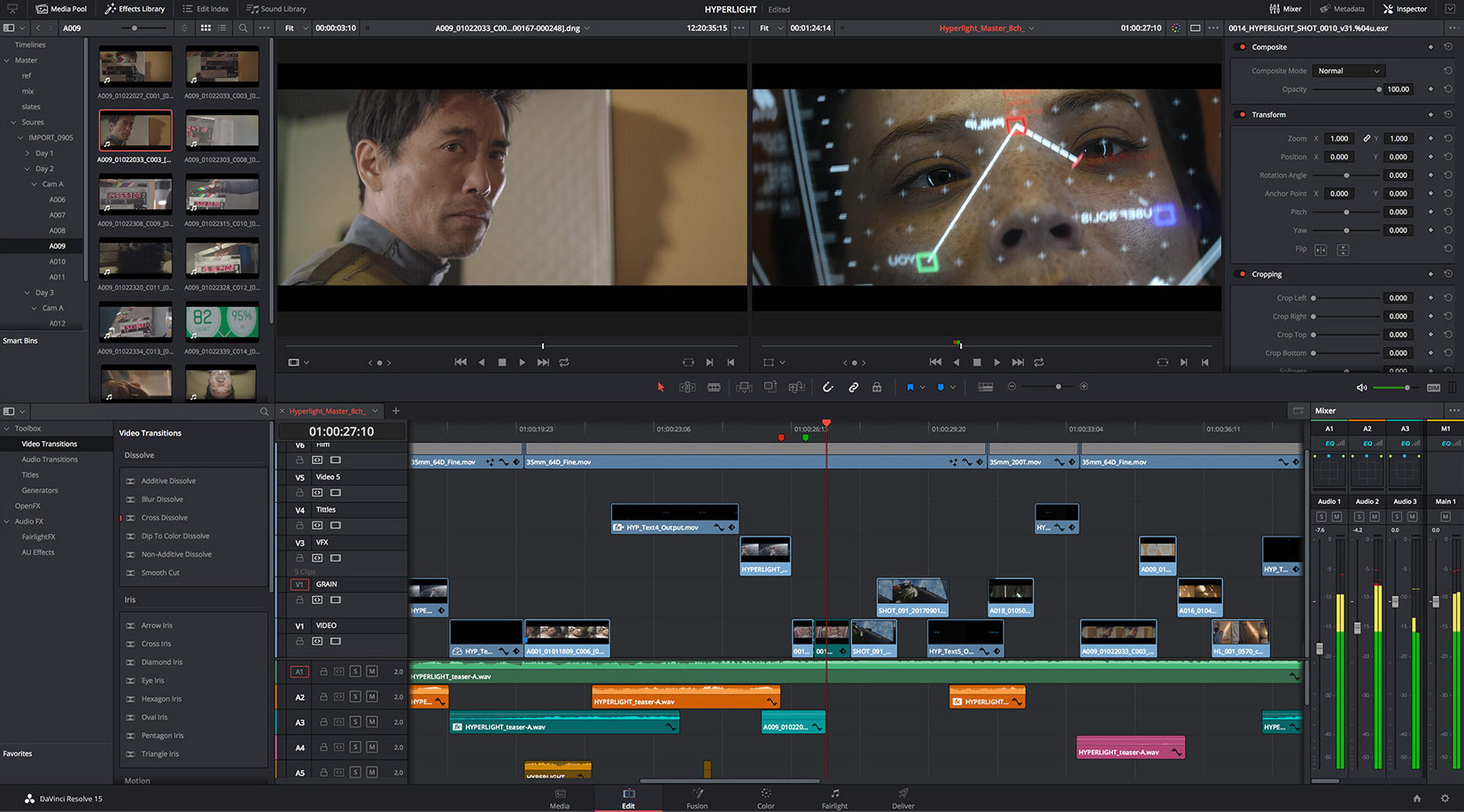
In this new version, the timeline of the Editing module Supports higher frame rates, making mounting and trimming material quicker and easier. It also includes innovative animations that show exactly the result of different types of editing when moving clips around the timeline.
The duplicate detection feature allows you to see when the same clip has been used more than once. Media files now show usage indicators for the open timeline. The vertical white lines indicate the range of the clip used, while the horizontal red lines determine the frames that are being used. On the other hand, it is possible to clean the timeline by compressing unused clips, and timecode entry has been simplified throughout the application.
DaVinci Resolve 15.2 also allows edit clips between multiple timelines, which is much simpler and faster. Additionally, it is possible to load timelines or composite clips into the original media viewer and modify them individually in the open timeline. Most importantly, by pressing the X key you can instantly mark a clip in its original timeline and edit it directly in the open one.
On the other hand, the inspector, the overlay controls The Edit module's viewer and metadata panel now automatically update to display the relevant information for the clip on the topmost track, below the header. This means that users no longer have to manually select that clip to change a parameter.
A more visual interface
In this update, we have also Completely redesigned key mapping. The new, more visual interface allows editors to quickly see which keys are in use and assign various combinations. The built-in keyboard's various settings simulate those of other traditional editing applications, making it easy for professionals to transition to DaVinci Resolve. Likewise, it is not only possible to share the different configurations between systems, but also to assign commands to the modules and panels within the program, and even to options in the contextual menus. Additionally, there are indicators that allow you to distinguish which area of the interface is active and, consequently, users know which key combinations they can use.
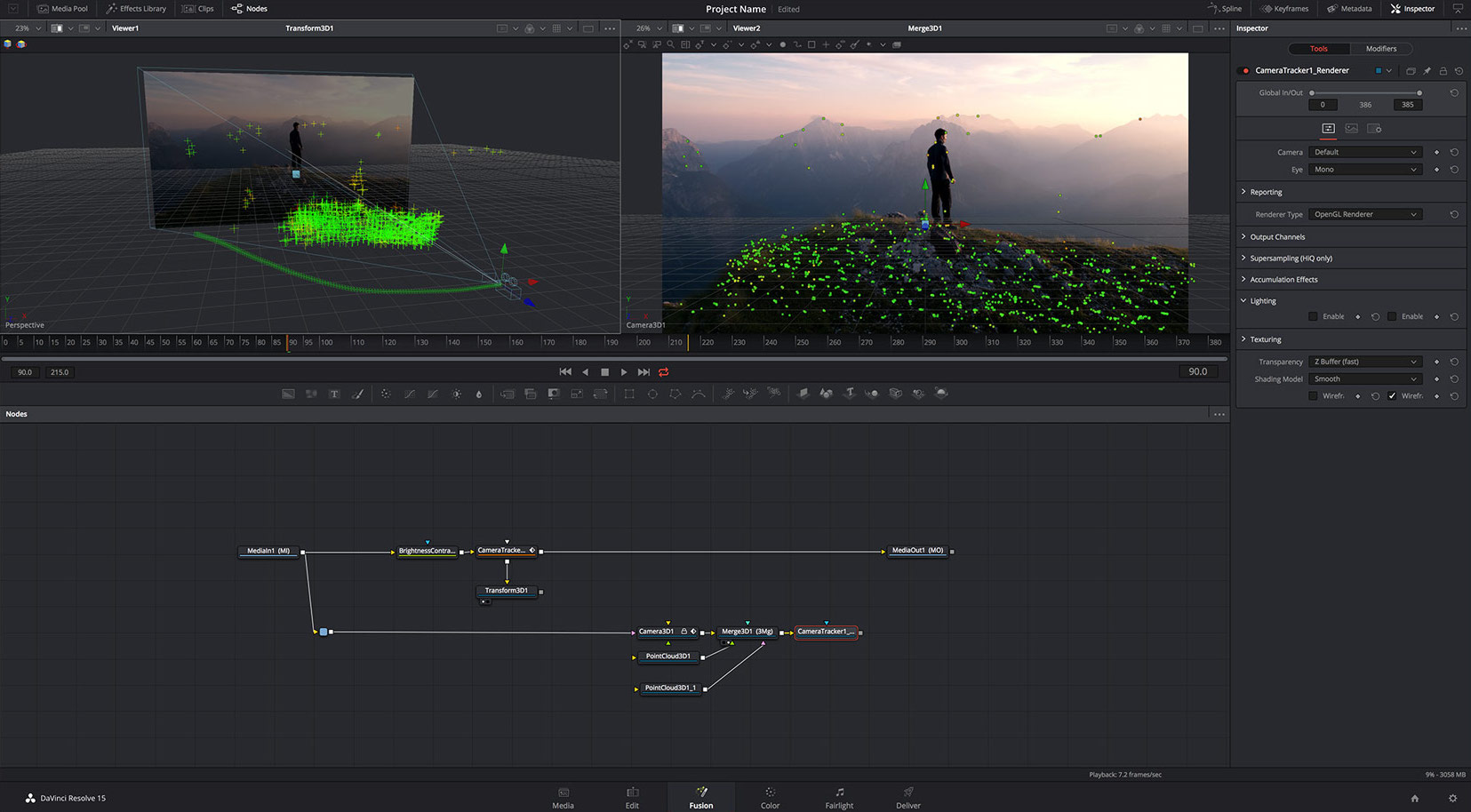 DaVinci Resolve 15.2 also includes new ResolveFX plugins. For example, the effect Blanking Fill Automatically fills the top or bottom areas of the screen with the same out-of-focus image. This makes it easier to use vertical videos or photos on traditional timelines in a standard format, as you no longer need to manually create a background. The complement Beauty It is designed to soften textures and imperfections on skin and other surfaces in a subtle and realistic way. On the other hand, filters were added ACES Transform y Gamut Limiter. Colorists also have the ability to bypass mixer node inputs by unlinking connected ones, and in turn export gallery captures with custom names.
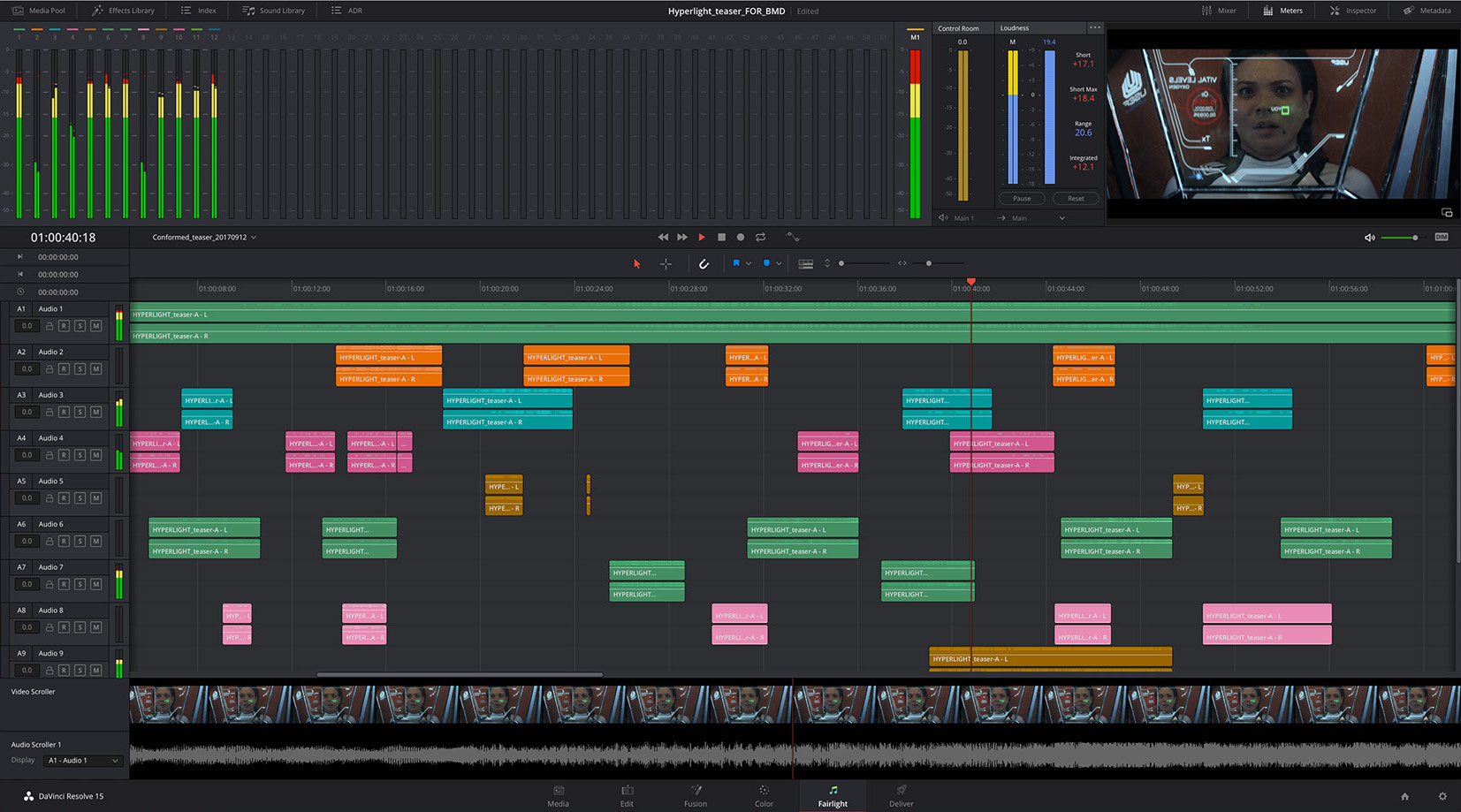
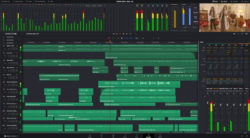
He Fairlight module It includes dozens of improvements as well as innovative FairlightFX plugins that make it easier and faster to correct common problems and master the final audio. The new filter Stereo Fixer provides settings for the most common channel assignment operations, so you can arrange clips with a simple click. As a result, users can fix errors, such as monaural dialogue that was edited onto stereo tracks.
In addition, the multi-band compressor analyzes the spectrum in real time and allows four frequency bands to be independently adjusted. This provides the possibility of achieving the desired volume without artifacts when mastering the sound. Additionally, the new VCA Groups feature in the Fairlight module allows you to link channels together to adjust gains on multiple tracks simultaneously.
Finally, it should be noted that since last April, Blackmagic has been introducing more than 110 new functions to DaVinci Resolve in DaVinci.
Grant Petty, CEO of Blackmagic Design, acknowledges that "we have been surprised by the rise of DaVinci Resolve and the speed at which it has been adopted in the industry," he said "It is incredible, since many of the features in this update will make a difference for those people who use the software daily. It is an extremely important new version that users will love."
DaVinci Resolve 15.2 can be downloaded for free from the Blackmagic Design support page.
Did you like this article?
Subscribe to our NEWSLETTER and you won't miss anything.
Related articles
 '1 For All' relies on Blackmagic Design and DaVinci Resolve cameras
 'Gaey Wa'r', graded with Blackmagic Design's DaVinci Resolve Studio
 The sound of ‘Magnificent Madness’, post-produced with DaVinci Resolve (Blackmagic Design)
 Blackmagic Design updates DaVinci Resolve to version 17.3
 ‘Chaogtu with Sarula’, edited with DaVinci Resolve by Blackmagic Design
 Blackmagic adds more than 300 new features to the new version 17 of DaVinci Resolve
 Blackmagic Design lanza DaVinci Resolve Speed Editor
 Blackmagic Design updates the operating system of its HyperDeck Studio recorders to incorporate new functions
 Blackmagic Design updates DaVinci Resolve with new Fairlight tools
 Blackmagic Design challenges the traditional way of working with DaVinci Resolve 16
 Blackmagic Design launches DaVinci Resolve 15 with powerful collaborative tools
 Blackmagic Design announces availability of DaVinci Resolve 14
 Blackmagic Design Enhances DaVinci Resolve with CinemaDNG File Processing
 Blackmagic Design announces the release of DaVinci Resolve 10