





The virtual reality film 'Alex Honnold: The Soloist VR', post-produced with DaVinci Resolve and Fusion Studio
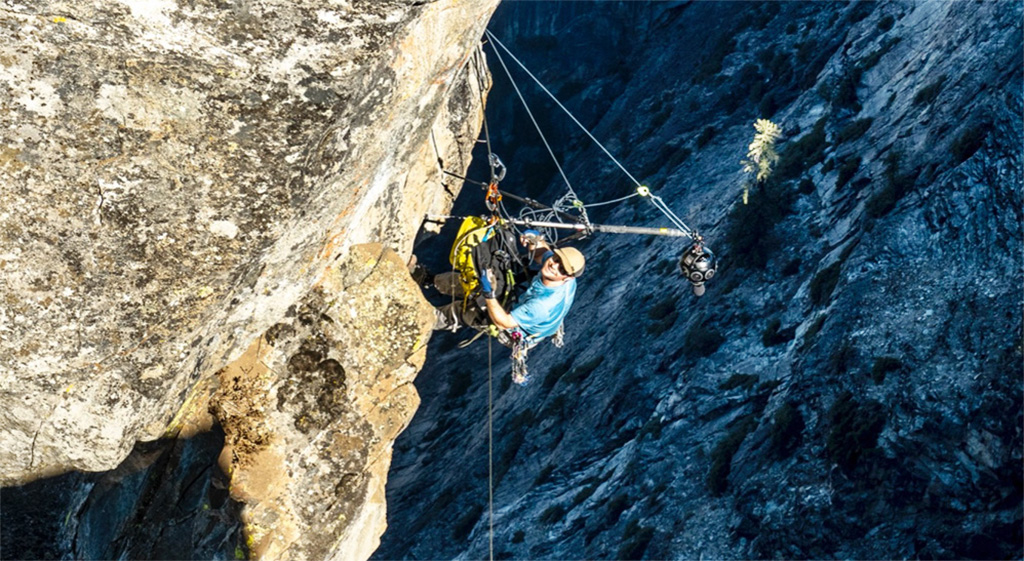
DaVinci Resolve y Fusion Studio de Blackmagic Design fueron los dos softwares clave de la postproducción de Alex Honnold: The Soloist VR, una experiencia basada en la realidad virtual.
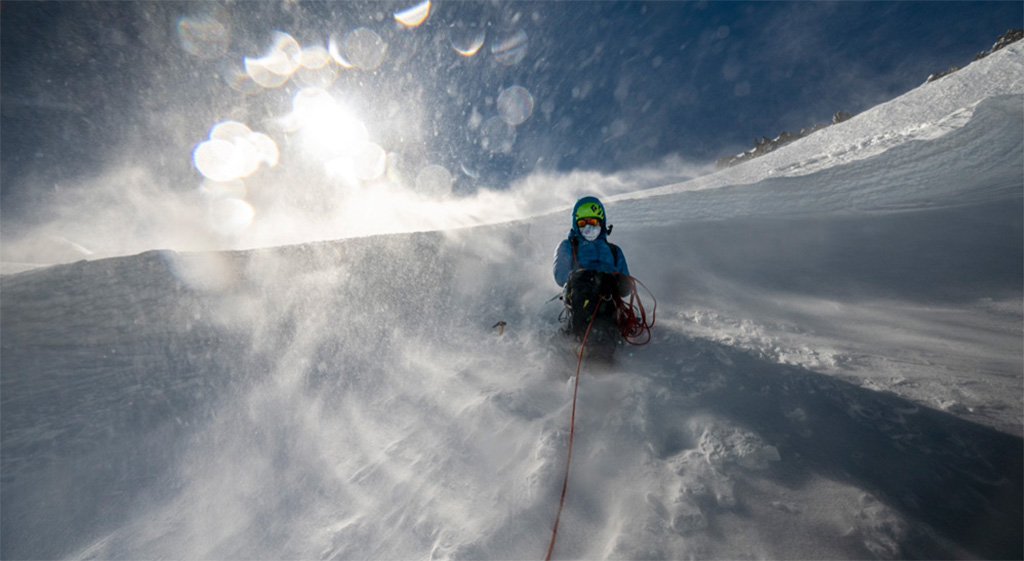
La película de realidad virtual Alex Honnold: The Soloist VR, que incluye dos partes, se estrenó el 3 de marzo y narra la historia del californiano durante escaladas en solitario en dos continentes, en donde se documentan experiencias en algunos de los lugares más remotos y salvajes del planeta. El largometraje, de Jonathan Griffith Productions, está disponible en la aplicación Oculus TV de las gafas de realidad virtual Meta Quest.
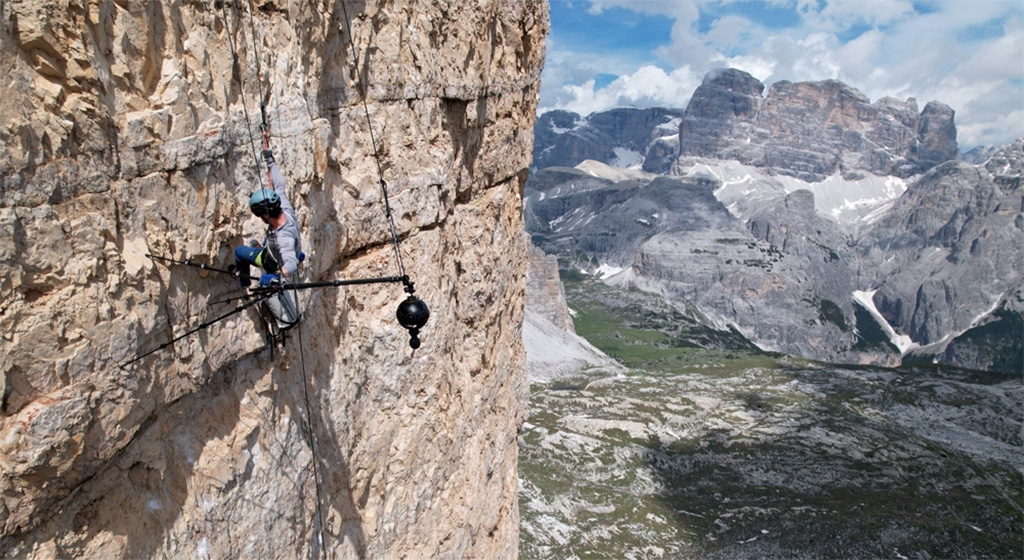
Tras su exitoso largometraje Everest VR, Griffith consideró que el siguiente paso podría pasar por realizar una pieza sobre escaladas en solitario. Una vez convenció a Honnold, comenzó una planificación técnica sin preferentes para lograr captar la aventura de la manera más realista posible sin tener que usar un equipo muy grande ni demasiados dispositivos. Así lo relata el propio Griffith: “Teníamos que rodar una imagen panorámica de 360 grados alrededor del sujeto, de modo que había que colgar la cámara del precipicio lo más alejada posible. Nuestro estilo de producción no cuenta con grandes sistemas de soporte; soy solo yo con lo que puedo llevar. Así que también tuve que escalar la montaña e instalar todo yo mismo. Fue todo un desafío”.
Griffith utilizó una cámara de realidad virtual con ocho objetivos diseñados para captar una vista de 360 grados, la cual generó ocho clips con una resolución de 3840 x 2880. Estos ángulos luego se unían con el propósito de crear una imagen totalmente estereoscópica en 360 grados.
Postproduciendo una pieza en VR
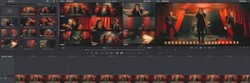
El editor Matt DeJohn empleó DaVinci Resolve Studio para montar Alex Honnold: The Soloist VR. Utilizando las funciones del software de Blackmagic, creó una línea de tiempo en una resolución de 7680 x 7680, con la complejidad añadida de los ojos derecho e izquierdo en orientación vertical y horizontal. Una vez que se configuró todo, incluida la sincronización del audio espacial y las pistas del micrófono, dio inicio al proceso de edición.
Una clave para el éxito del formato, según DeJohn, fue tener la posibilidad de acceder a Fusion desde el Editing module of DaVinci Resolve Studio: “La orientación es muy importante en realidad virtual, y a veces hay que ajustarla toma por toma. El objetivo principal es colocar al sujeto frente a donde probablemente esté mirando el espectador. Por ejemplo, en un plano A, si un personaje situado frente al espectador camina 90 grados hacia la derecha, el sujeto del plano B debería posicionarse en el mismo punto, 90 grados desde el centro, también hacia la derecha. Este ajuste de orientación se llevó a cabo con una plantilla de Fusion que creé, a la cual podía acceder desde el módulo Edición en Resolve. Funcionó como un complemento personalizado”.
Para DeJohn, la flexibilidad de DaVinci Resolve Studio simplificó bastante la compleja dinámica de trabajo: “Fue ideal trabajar principalmente en DaVinci Resolve, debido a que se minimiza la cantidad de veces que se entrega el material. Este programa ofrece una amplia variedad de herramientas en distintas disciplinas: edición, composición, efectos visuales, etalonaje y sonido. Era posible realizar ajustes de edición mientras se llevaba a cabo la corrección cromática. Nunca hubiera podido hacer eso en una aplicación más antigua. Yo seguía puliendo cortes, acomodando efectos visuales, cambiando las imágenes de realidad virtual y trabajando en la conversión a formato estereoscópico mientras que otros artistas procesaban otras áreas, todos en la misma línea de tiempo”.
Profundizando en Fusion Studio
Fusion Studio fue la pieza del engranaje que permitió facilitar el complejo proceso de unir las imágenes de las ocho cámaras. James Donald y Keith Kolod, visual effects artists especializados en posproducción de virtual reality, procesaron la base y luego exportaron los elementos a Fusion Studio para pulir el material y trabajarlo en formato estereoscópico. “Primero, arreglé los desajustes verticales en estéreo y los problemas de profundidad de sonido mediante el uso de distorsiones por cuadrícula y las herramientas de alineación de disparidades”, recuerda Kolod.
Donald también pone en valor la funcionalidad estereoscópica de Fusion Studio: “Las herramientas de Fusion combinadas con las de realidad virtual ofrecen un conjunto importante de prestaciones que son más estables y confiables que otras opciones, por no mencionar la excelente relación calidad-precio para los artistas independientes. En particular, confié mucho en la integración con las gafas Oculus VR para previsualizar las imágenes en tiempo real al manipular curvas paramétricas y máscaras en formato estereoscópico, así como al pulir la alineación de ambos ojos”.
La herramienta de Blackmagic Design también fue clave para eliminar elementos que pudieran estropear la experiencia de visualización del espectador: “Mediante un nodo de pintura, eliminé los trípodes y cables, y luego convertí el trabajo de un ojo al otro, a fin de hacer coincidir el formato estereoscópico natural en el área. Después, disminuí cualquier profundidad extrema que existiera en el cenit y el nadir, lo cual puede ocasionar una molestia importante al espectador con gafas. A continuación, apliqué técnicas rotoscópicas más tradicionales y limpié las imágenes base en torno a cualquier sujeto que se cruzara en las uniones del material en 360 grados”, recuerda Kolod.
https://youtu.be/WCqrksBMnuw
Did you like this article?
Subscribe to our NEWSLETTER and you won't miss anything.
Related articles
 PRPVFX signs the visual effects of the Flying Lotus movie with Fusion Studio (DaVinci Resolve)
 Blackmagic updates DaVinci Resolve to version 19.1: more effects in Fusion, custom curves...
 Jorge Molina grades '30 coins' by Álex de la Iglesia with DaVinci Resolve
 Hideaki Anno's hit film, 'Shin Kamen Rider', graded with DaVinci Resolve Studio
 Company 3 y SpinVFX emplean DaVinci Resolve Studio en la película ‘Big George Foreman’
 Uruguayan Netflix film 'Togo' completed with DaVinci Resolve Studio
 'Drive My Car', Oscar for Best Foreign Film, graded with DaVinci Resolve Studio
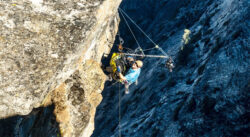 The virtual reality film ‘Alex Honnold: The Soloist VR’, postproduced with DaVinci Resolve and Fusion Studio
 DaVinci Resolve Studio benchmarks the new Indian film ‘Soorarai Pottru’
 Elton John's interpretation of 'One World: Together At Home' post-produced with DaVinci Resolve Studio
 Oscar winner Claudio Miranda trusts DaVinci Resolve Studio and DaVinci Resolve Mini Panel from Blackmagic
 DaVinci Resolve Studio facilitated the finishing of the Spanish animated film 'Ozzy'
 DaVinci Resolve Studio provides new virtual reality experiences in the 'Mythbusters' series
 DaVinci Resolve and Fusion grow under Blackmagic DNA